Device Manual V3.2_iOS 14
„Operating hours” is the service time of your device (as shown at. Figure 18), which
indicates the hours of service.
Erasing the service time may occur in 2 cases:
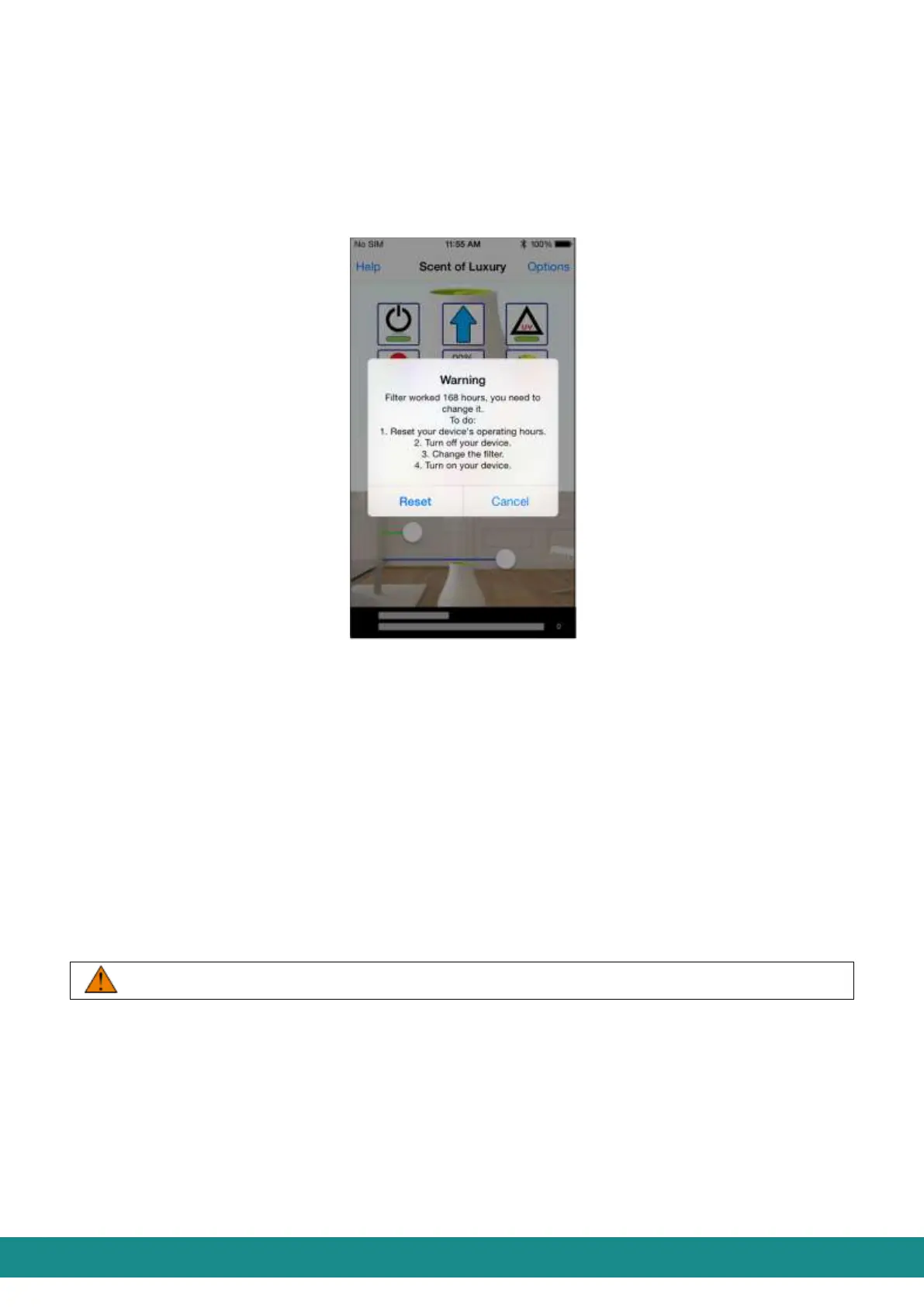
1. After 168 hours of service the device will stop and a red flashing light will indicate that the
filter must be changed. At the same time you will see the warning shown below:
Figure 18: User Interface, Service time erase
You should:
a) “Reset” the device’s operating hours
b) Turn off the device and unplug it.
c) Change the filter as described in Part 7.
d) Plug the device again and turn it on.
2. In case you need to change the filter for any reason before the expiration of 168 hours,
touch „Reset” after cleaning/changing the filter in order to reset the service time.
4.2.5.2.2 Rename your device
Basically the name of the device is SOL-ONE. With „Rename” function, you can change
that to anything using 14 characters (for instance “Living room”).
Do not use characters with accents.



 To Next Page