Device Manual V3.2_iOS 21
5 DESCRIBING FUNCTIONS
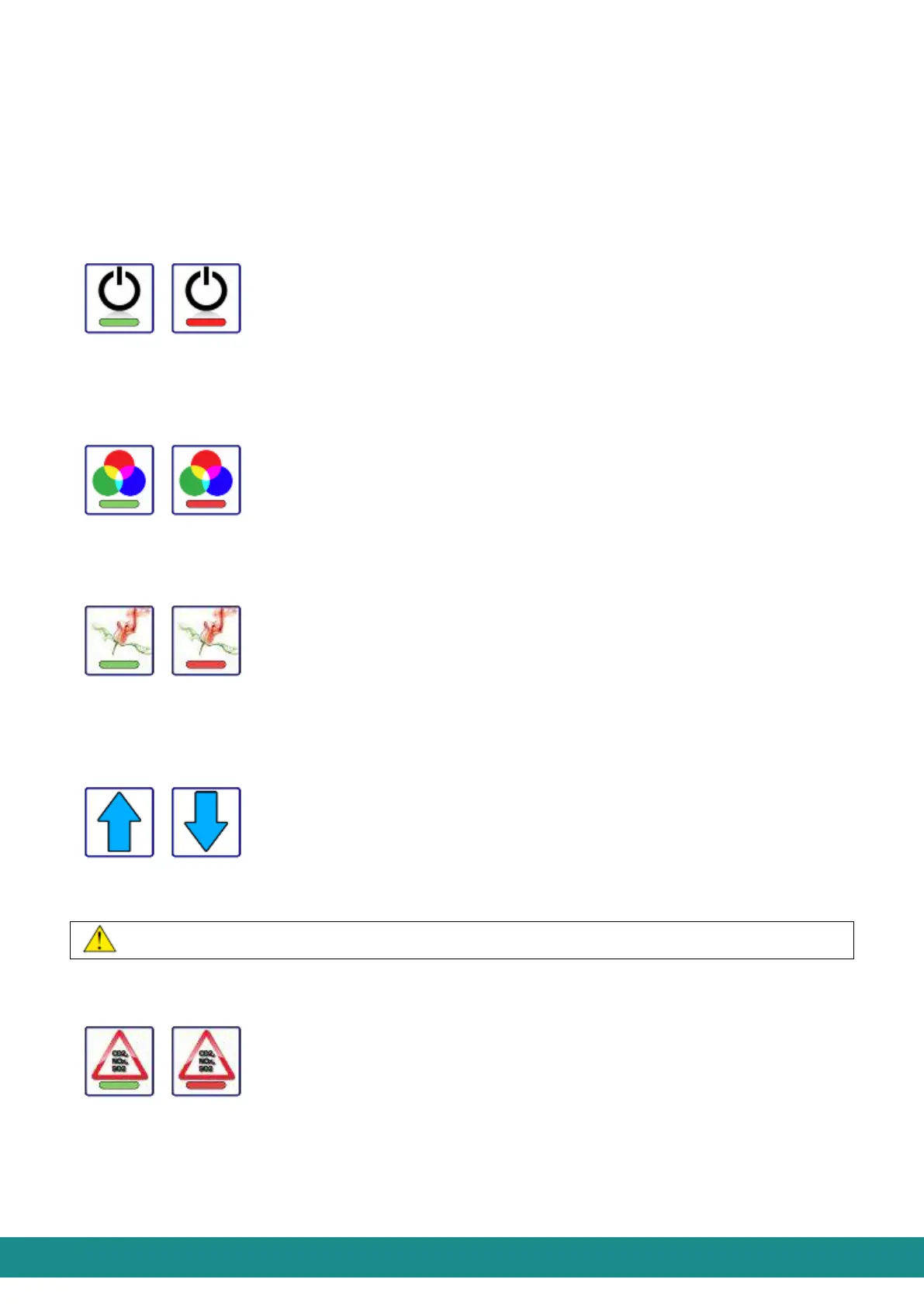
In case you wish to control the functions of your SOL-ONE device using your iOS (Apple)
smart phone, you can do so with the help of the buttons below, also shown at Figure 1.
5.1 TURN ON/OFF SOL-ONE
Even if the device is inactive (i.e. it is in Standby state) it doesn’t mean it loses touch with the
smart phone (similar to your TV set) so the connection will remain.
5.2 TURN ON/OFF THE MOODLIGHTING
The button, which turns the moodlighting on/off.
5.3TURN ON/OFF AIR-SCENTING
It turns the air-scenting unit on/off. It works only if the Air-scenting unit is placed in the top
part (chimney).
5.4 CONTROLLING THE RPM (UP/DOWN) OF THE VENTILATOR
With these buttons you can increase or decrease the RPM of the ventilator between 20%
and 100% by 10% steps. The actual RPM is shown in % at the ventilator button.
The buttons are active only when the AQS function is not active.
5.5 AQS TURN ON/OFF THE AQS (AIR QUALITY SENSOR) FUNCTION
The device has an inbuilt air quality sensor which monitors the amount of dust and harmful
gases concentrated in the air. The bottom line on the User Interface will indicate the quality
of the air. The sensor will also control the RPM of the ventilator according to the quality of
the air: when it is pure, the RPM will decrease, when it is polluted the RPM will increase.



 To Next Page