Device Manual V3.2_iOS 15
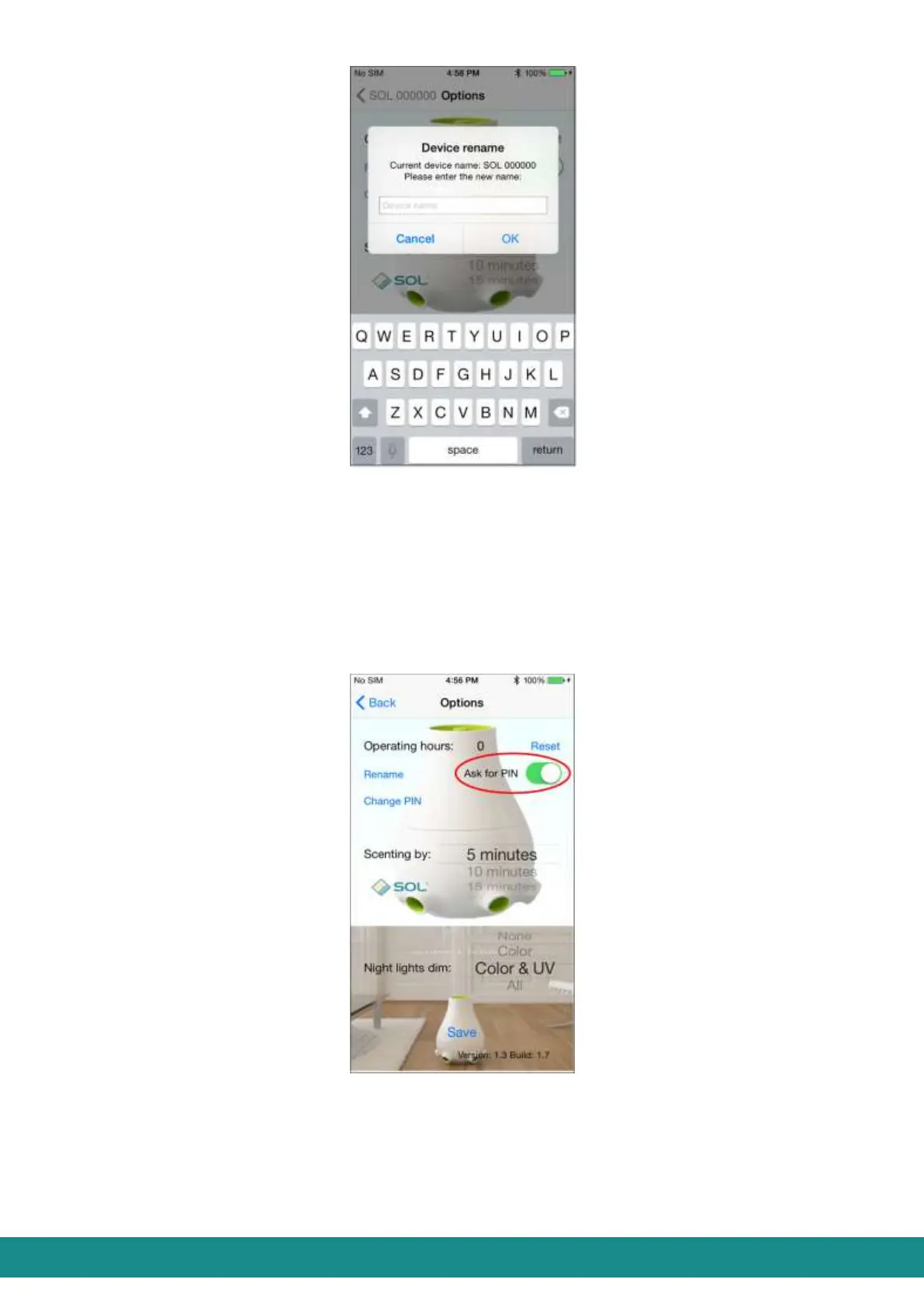
Figure 19: User Interface,
Rename your device
A message will inform you about a successful renaming. Touch “Ok” to confirm the new name.
“Forget device” function of Part 4.2.5.4 will delete the former name (SOL-ONE) from the list, and
then you can connect to your device again as described in points 3), 4), 5), 6), 7) of Part 4.2.4.1.
From now on your device will bear its new name.
4.2.5.2.3 Ask for PIN-switch
Figure 20: User Interface,
Ask for PIN-switch
With this switch you can set the device to request a PIN password or not, when connecting
to your smart phone.



 To Next Page