Device Manual V3.2_iOS 5
6) Energize the adapter.
Now the device is in operable state.
7) In case of using the ionizing or the air-scenting unit, place it in the frame inside the
chimney. Gently rotate the ionizing or air-scenting unit until the magnets secure it at
the right position.
You can read more about turning the device on/off and using its functions in Part 4. You can
read more about the air-scenting unit in Part 5.
4 USING THE SOL-ONE
4.1 CONTROLLING BY ANDROID SMART PHONE
4.1.1 THE SPECIFICATION OF ANDROID SMART PHONES
To run the application of the device controlling program on your phone, you will need an
Android 4.3 (or higher version) operating system and Bluetooth 4.0 communicating
capability.
4.1.2 DOWNLOADING THE APPLICATION TO ANDROID SMART PHONE
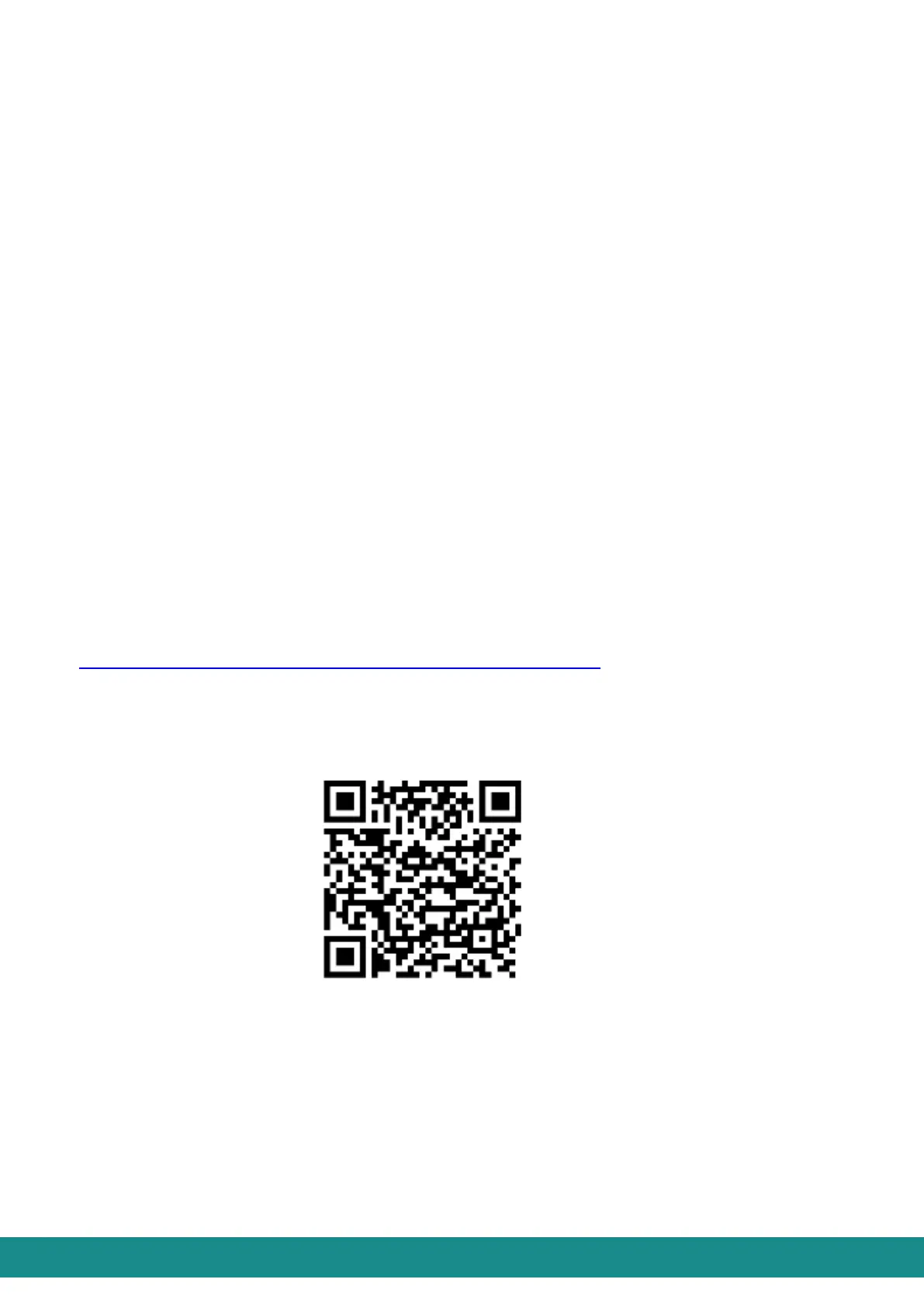
You can download the application from the GooglePlay store. You only have to choose and
download the application called sol remote, or you can use the link below:
https://play.google.com/store/apps/details?id=com.bcoolit.SolAndroid



 To Next Page