Device Manual V3.2_iOS 18
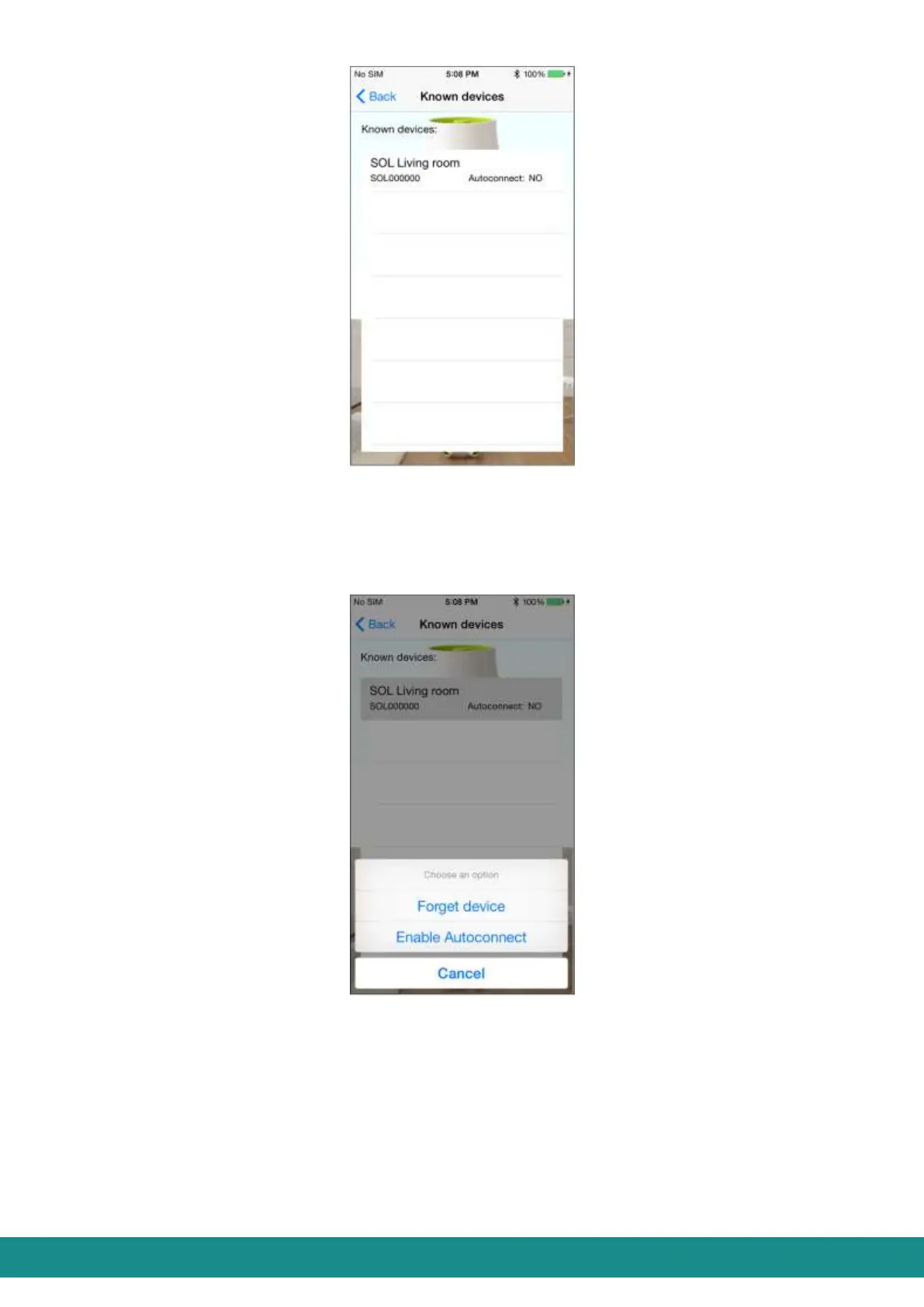
Figure 23: User Interface
Known devices
If you choose a device from the list, you will be transferred to the screen as shown at Figure
24, and you will see the functions as shown below:
Figure 24: User Interface
Known devices
„Forget device” will delete this connection. If you want to delete this connection
the screen (as shown at Figure 25) will warn you about the disconnection of SOL-
ONE. By touching „OK” you will delete the connection from your list, by touching
„Cancel” you will go back to the screen shown at Figure 24.



 To Next Page