4.3.2. Introduction
The display provides more functions than those described in this manual.
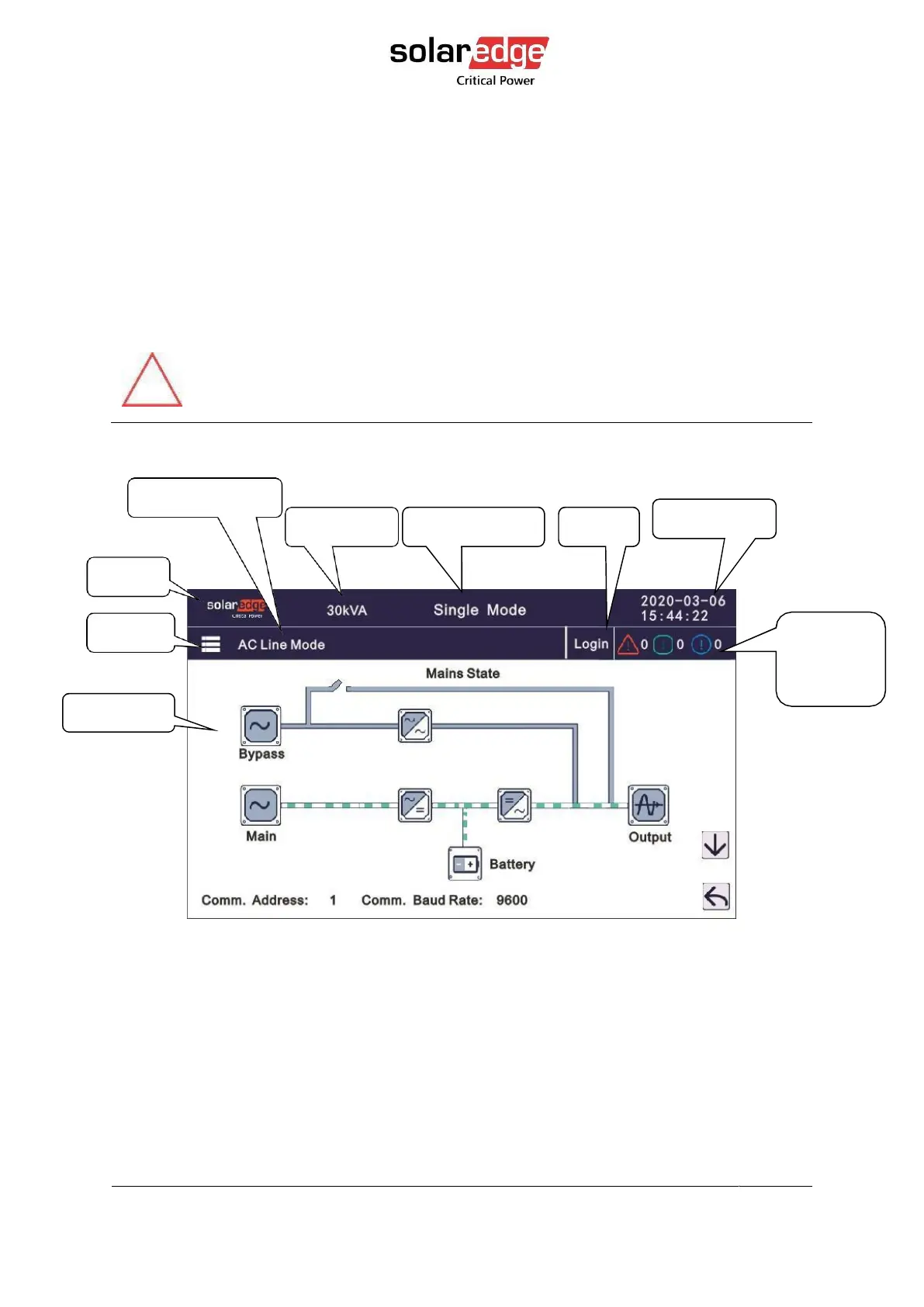
This chapter describes the UPS GUI, its functions and navigation.
On any screen, click return to return to the previous window, click home page to return to
the main window.
CAUTION!
The setting of most parameters cannot be set when the UPS is in inverter mode.
4.3.3. Data
Displays the flow state of the UPS work, and quickly enters real-time data by clicking on the
block.



 To Next Page