Solaris Flare / Flare Jr. user manual version 9.1 111215
3. OPERATING INSTRUCTIONS
CONTROL PANEL NAVIGATION
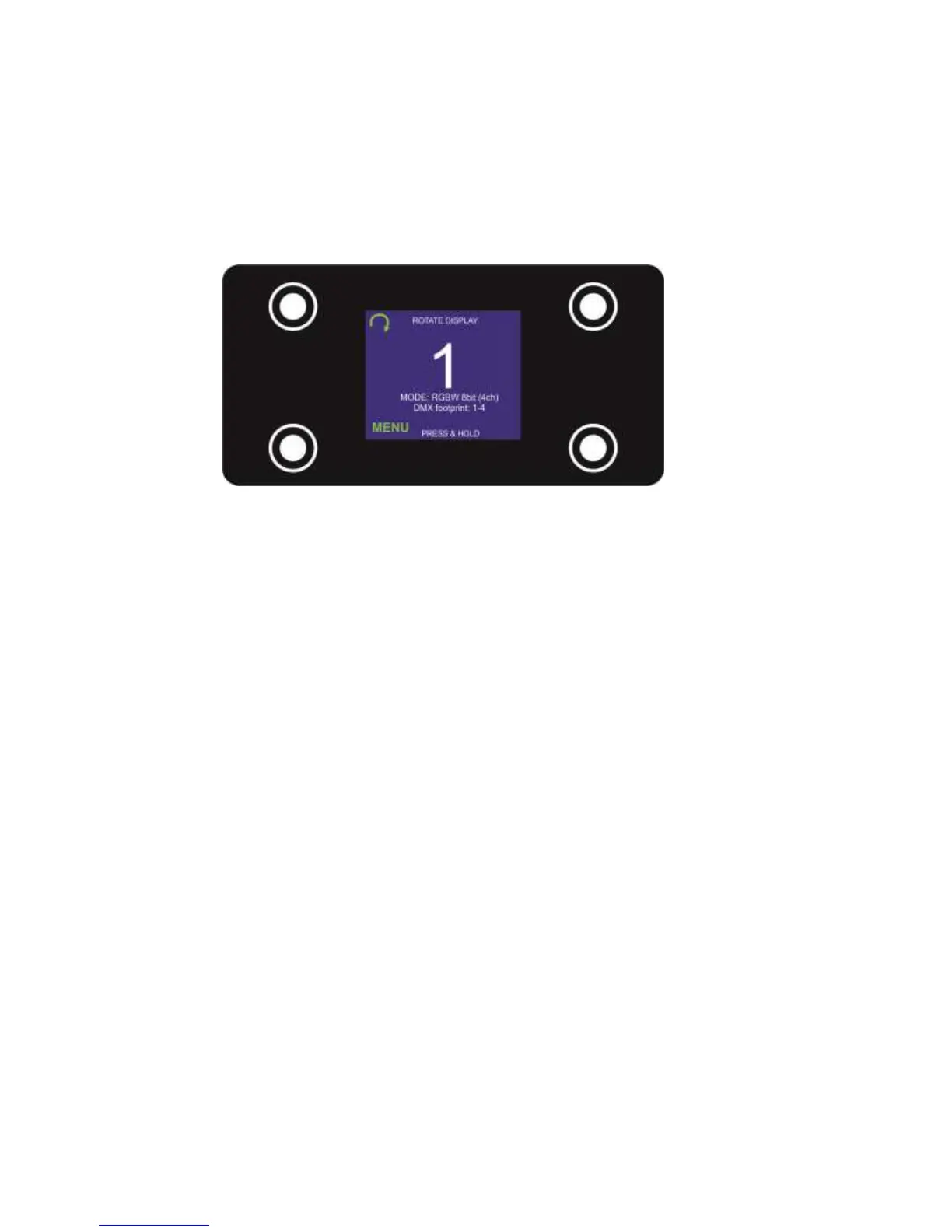
Access control panel functions using the four control panel buttons located directly underneath the LCD Display.
The Control Panel LCD Display shows the menu items selected from the menu map (see page 9). When a
menu function is selected, the display will show the first available option for the selected menu function. To
select a menu item, press <MENU>.
Press and hold the <MENU> button to scroll through the top level menu items. This is the top of the menu map.
Use the <Up> and <Down> buttons, located to the right of the LCD screen, to navigate the menu map and menu
options. Press the <MENU> button to access the menu function currently displayed or to enable a menu option.
To return to the top of the menu map or menu without changing the value, press the < X > button.
Main Menu Functions: Flare
DMX Address – DMX address selection
Control – Control mode selection menu
Manual – Manual Control
Demo – Demonstration scenes
Config – Configuration Menu
Main Menu Functions: Flare Jr.
DMX Address – DMX address selection
DMX Source – Wireless or wired
Control – Control mode selection menu
Manual – Manual Control
Demo – Demonstration scenes
Config – Configuration Menu
During normal operation, the Control Panel LED Display indicates DMX start address. When the DMX signal is
not connected, or if the Flare is not receiving a DMX signal, the address blinks RED.



 To Next Page