25
en
NOTE
The whole measurement, control and communications electronics of the inverter is
powered completely by the PV generator. That is why the use of the display unit and
communications with the inverter are not possible at night or when there is too little
irradiance.
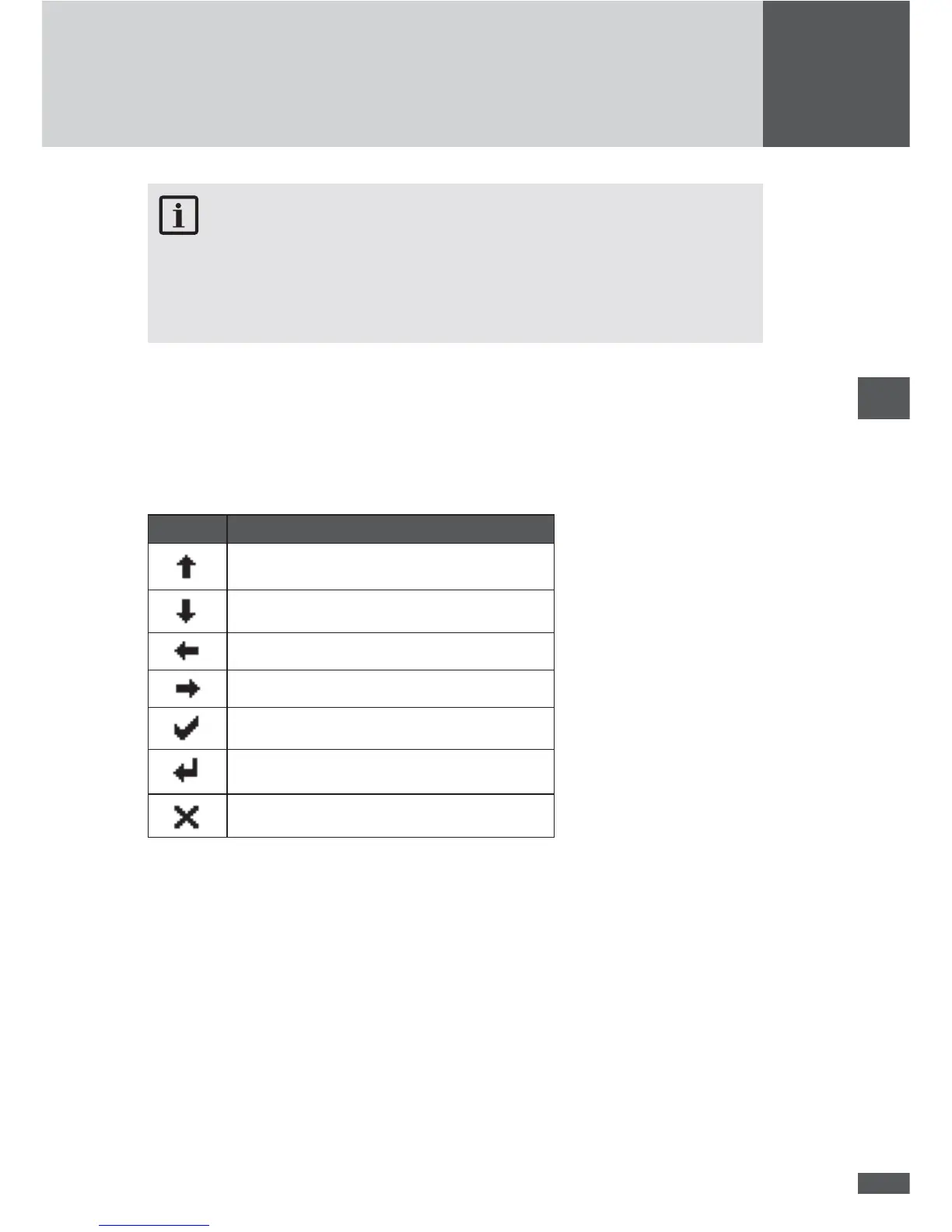
6.4.1 Menu button symbols
With the help of the symbols shown here you can navigate the various menus and func-
tions visible in the display. The current button function may change from one menu to
the next and corresponds to the symbol appearing directly over the button in each case:
Symbol Function
Scroll up, increase number
or next element
Scroll down, or previous element
Back to higher level menu
Select next number
Display selected submenu or con rm changes
Launch edit mode for selection
Abort



 To Next Page