SonicWALL NSA 240 Getting Started Guide Page 33
Configuring L2 Bridge Mode
This section provides instructions to configure the SonicWALL
NSA appliance in tandem with an existing Internet gateway
device. This section is relevant to users following deployment
Scenario C.
This section contains the following subsections:
•
- page 33
• Configuring the Primary Bridge Interface - page 33
• Configuring the Secondary Bridge Interface - page 34
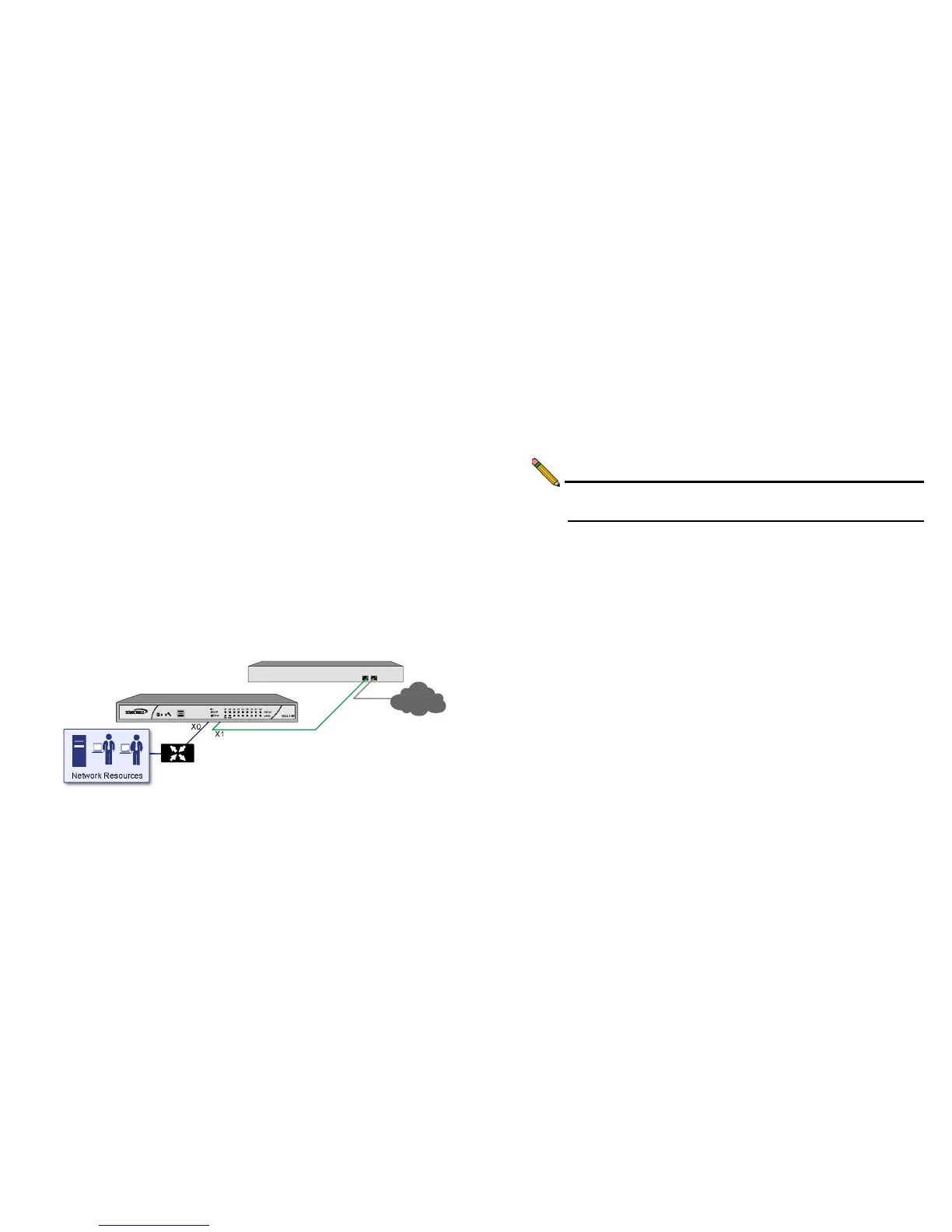
Connection Overview
Connect the X1 port on your SonicWALL NSA 240 to the LAN
port on your existing Internet gateway device. Then connect the
X0 port on your SonicWALL to your LAN.
Configuring the Primary Bridge Interface
The primary bridge interface is your existing Internet gateway
device. The only step involved in setting up your primary bridge
interface is to ensure that the WAN interface is configured for a
static IP address. You will need this static IP address when
configuring the secondary bridge.
Note: The primary bridge interface must have a static IP
assignment.



 To Next Page