SonicWALL NSA 240 Getting Started Guide Page 43
3. To log all detected attacks, leave the Log Redundancy
Filter field set to zero. To enforce a delay between log
entries for detections of the same attack, enter the
number of seconds to delay.
4. Click Configure IPS Settings to enable IP packet
reassembly before inspection and create a SonicWALL IPS
exclusion list.
5. In the IPS Config View window, select Enable IPS
Exclusion List and then click Add to define a range of IP
addresses whose traffic will be excluded from SonicWALL
IPS scanning.
6. When finished in the Add IPS Range dialog box, click OK.
7. In the IPS Config View window, click OK.
8. In the Security Services > Intrusion Prevention page,
click Accept.
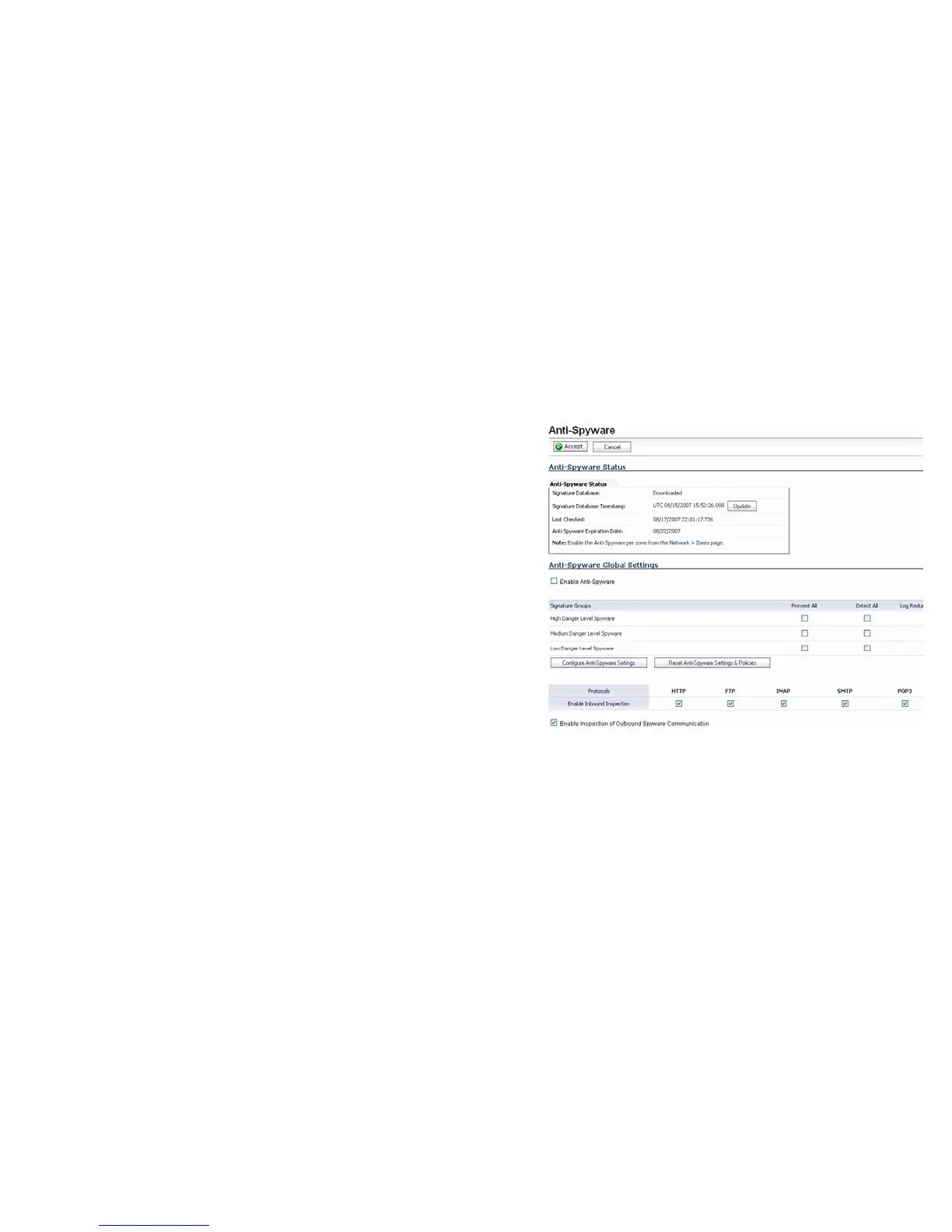
Enabling Anti-Spyware
To enable Anti-Spyware in SonicOS:
1. Navigate to the Security Services > Anti-Spyware page.
Select the Enable Anti-Spyware checkbox.
2. In the Signature Groups table, select the Prevent All and
Detect All checkboxes for each spyware danger level that
you want to prevent.



 To Next Page