SonicWALL NSA 240 Getting Started Guide Page 49
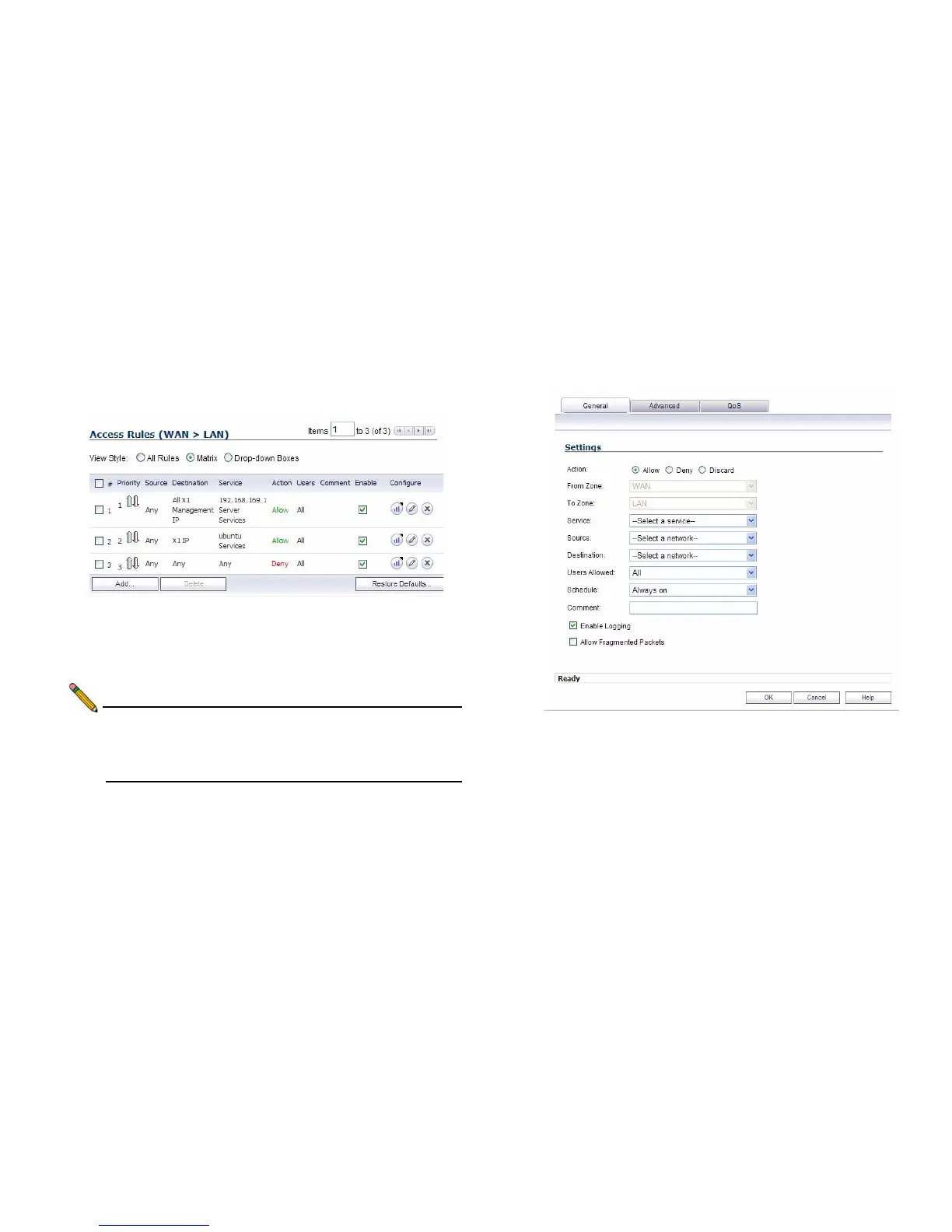
To create an access rule:
1. On the Firewall > Access Rules page in the matrix view,
select two zones that will be bridged by this new rule.
2. On the Access Rules page, click Add.
The access rules are sorted from the most specific at the
top to the least specific at the bottom of the table. At the
bottom of the table is the Any rule.
Note: SonicWALL’s default firewall rules are set in this way
for ease of initial configuration, but do not reflect best
practice installations. Firewall rules should only allow
the required traffic and deny all other traffic.
3. In the Add Rule page in the General tab, select Allow or
Deny or Discard from the Action list to permit or block IP
traffic.



 To Next Page