© Sontheim Industrie Elektronik GmbH 13.05.2022 page 23 of 30
Sontheim_Telemetry_Verona_Gen 4_operations manual.docx Version of the Document: 2.1
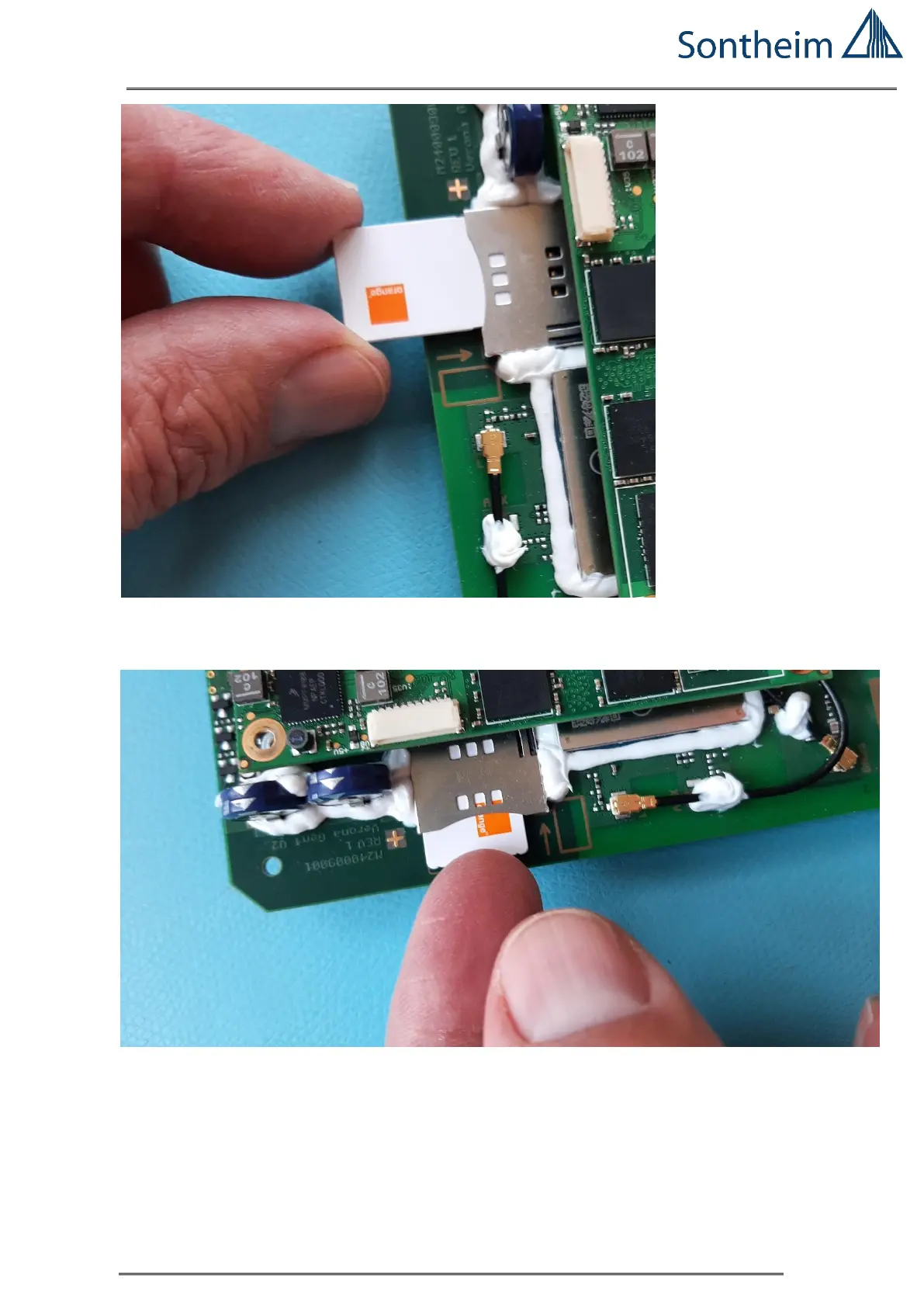
Figure 18 Pre-set the SIM card with the right Orientation to set into the Holder
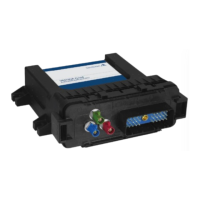
To insert the SIM card into the SIM connector, please the SIM card into the SIM connector on the PCB.
Figure 19 Please the SIM card into the SIM Connector on the PCB. Push carefully in.
SIM card is connected and automatically locked in operation-position.


 To Next Page