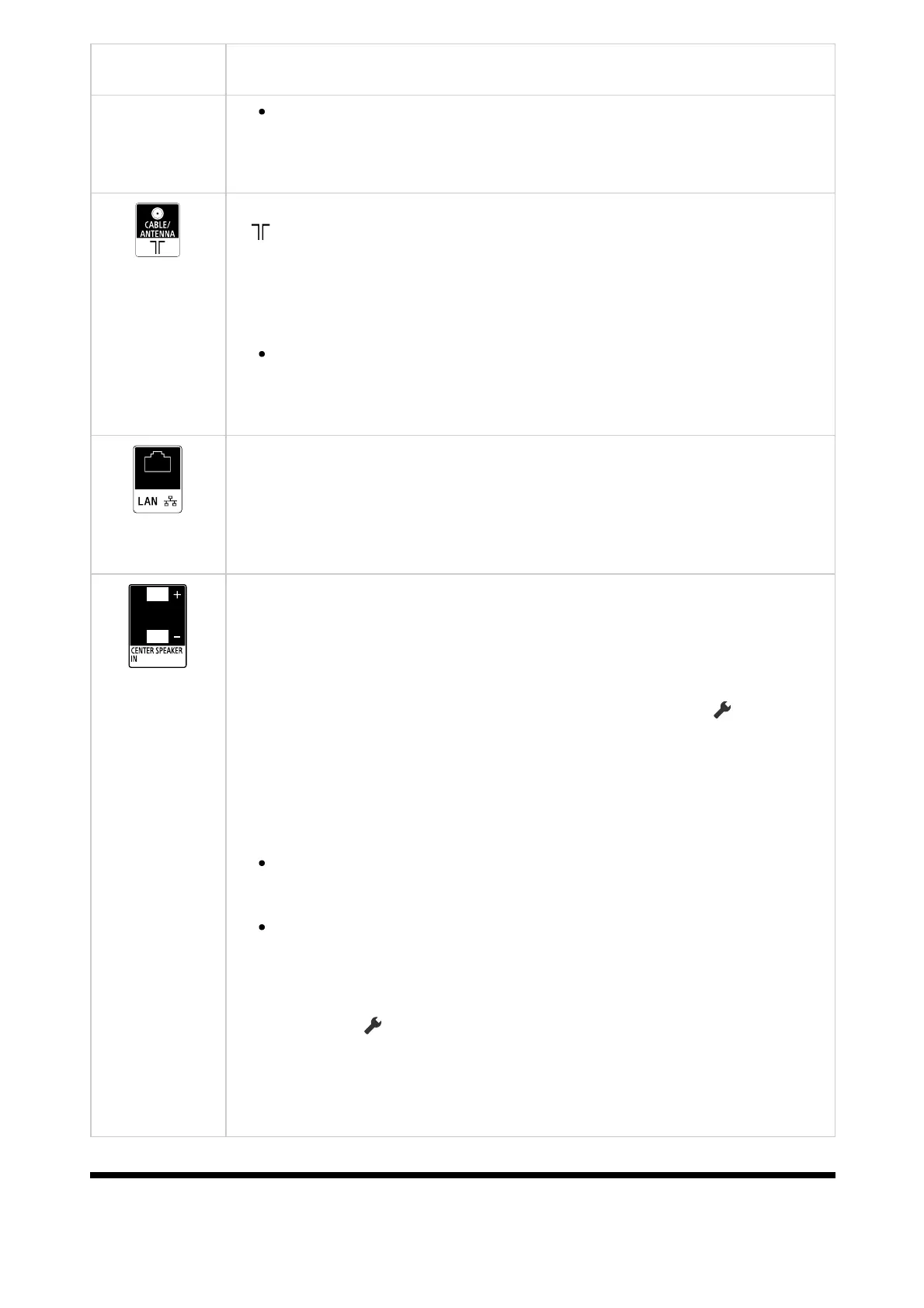
Terminal Description
Optical audio output and S-CENTER SPEAKER IN share the
same terminal.
(Cable/Antenna input)
Connects to Cable/Antenna/External Box.
Note
When connecting the cable to the Cable/Antenna input, finger
tighten only, over tightening the connection can damage the TV.
LAN
Connect to a Router.
Connect to the Internet using a LAN cable.
CENTER SPEAKER IN
To use your TV speakers as the centre speaker, connect the output of
your AV receiver to the CENTER SPEAKER IN on your TV.
To use your TV speakers as the centre speaker, press the (Quick
Settings) button on the remote control, then select [Settings] — [Display
& Sound] — [Audio output] — [Speakers] — [Audio system].
Note
Before connecting cables, disconnect the AC power cord (mains
lead) of both the TV and AV receiver.
If you do not use the CENTER SPEAKER IN terminal or the S-
CENTER SPEAKER IN input, change the following setting to
prevent noise from the speakers.
Press the (Quick Settings) button on the remote control, and
disable [Acoustic Center Sync] in [Settings] — [Display & Sound]
— [Audio output] — [Audio system settings].
[4] Getting Started













 To Next Page