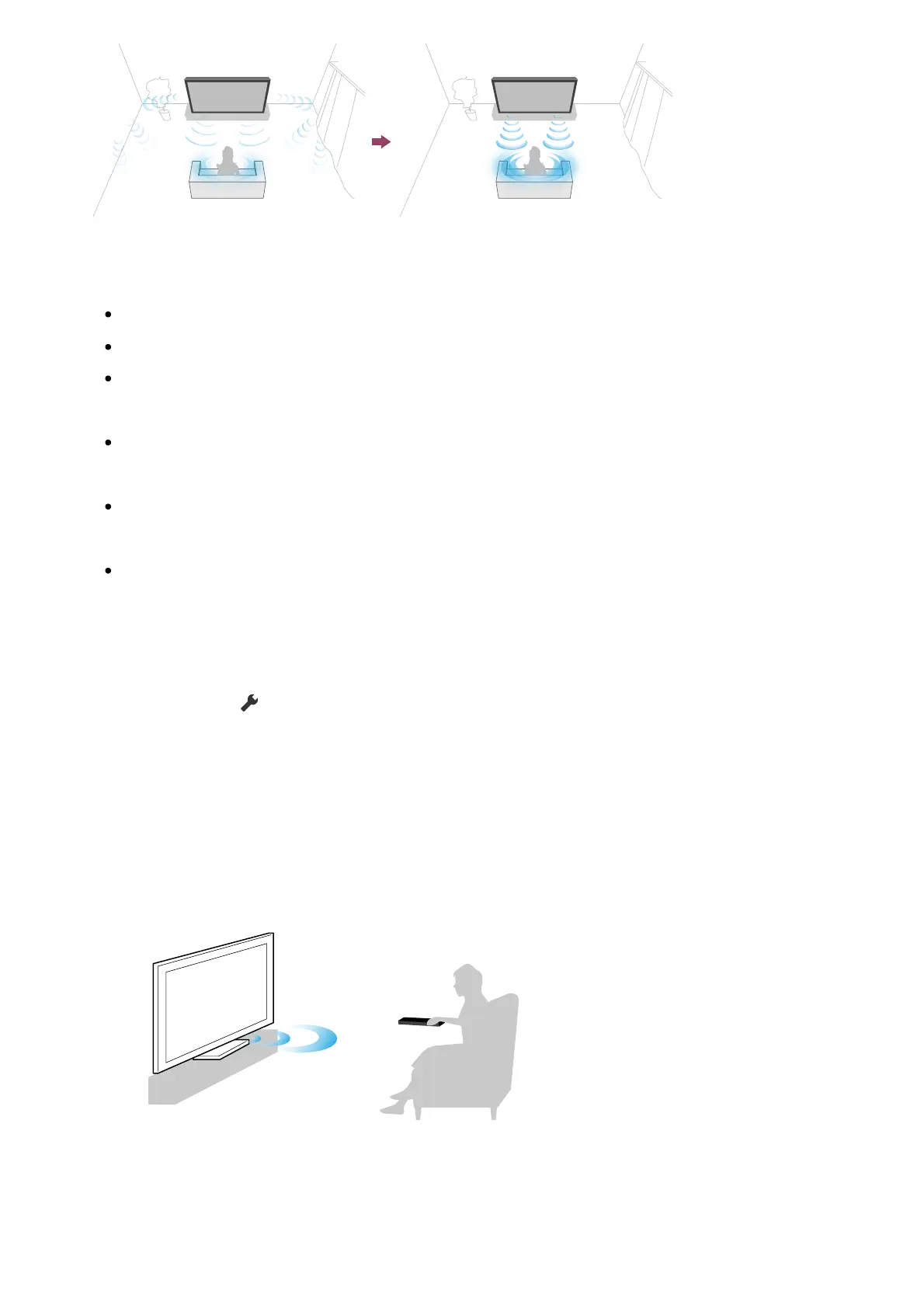
1
2
Note
Calibration effects will vary depending on your watching environment.
A loud test sound will be played from the TV during measurement.
Do not block the microphone opening at the end of the remote control during
measurement.
Do not move the remote control during measurement. Doing so may result in incorrect
measurement.
Perform the calibration when your surroundings are quiet. Noise may result in incorrect
measurement.
Acoustic auto calibration cannot be performed if you are using a sound bar. Change the
following setting.
[Settings] — [Display & Sound] — [Audio output] — [Speakers] — [TV speakers]
Press the (Quick Settings) button on the remote control, then select the
following settings.
[Settings] — [Display & Sound] — [Ambient Optimisation Pro] — [Acoustic auto
calibration] — [Calibration setup]
Measure by following the on-screen instructions.
The acoustics will be corrected automatically based on the measurement results of
your watching environment.
Hint
Acoustic auto calibration may fail in the following cases.













 To Next Page