1
2
For Acoustic Center Sync supported audio systems with a S-CENTER OUT terminal,
refer to the following.
https://www.sony.net/hav_faq
Models with a CENTER SPEAKER IN terminal can also be used as a centre speaker
by connecting the audio amp with a speaker cable.
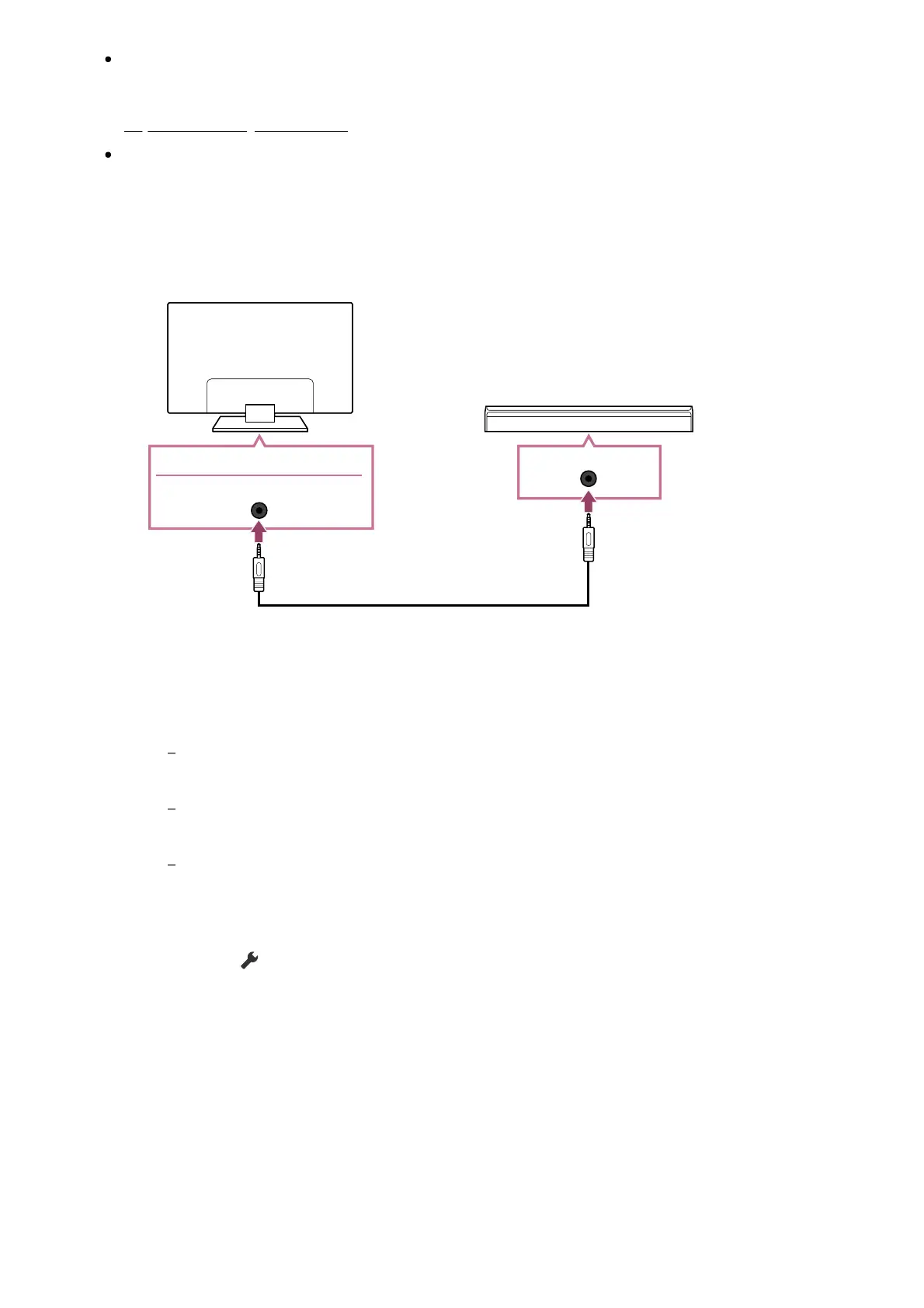
Connect the TV and Acoustic Center Sync supported sound bar with the TV
centre speaker mode cable that was supplied with the supported device.
(A) TV centre speaker mode cable (supplied with devices such as sound bars that
have S-CENTER OUT terminals)
Note
Even when connecting a sound bar with an S-CENTER OUT terminal, it must be
connected to the TV with an HDMI cable like a normal sound bar.
Also refer to the instruction manual of the audio system with an S-CENTER OUT
terminal.
S-CENTER SPEAKER IN and DIGITAL AUDIO OUT (OPTICAL) share the same terminal.
Optical audio output is not available when using S-CENTER SPEAKER IN .
Press the (Quick Settings) button on the remote control, change —
[Speakers] to [Audio system].













 To Next Page