Hint
If you connect a video game console that supports 4K 120 Hz video output, set to
[Enhanced format (4K120)].
If you connect a video game console that supports VRR, enable [VRR].
Note
When connecting a video game console that supports 4K 120Hz and VRR, check the
label of the HDMI input ports on the TV and connect to the HDMI input port that is
labelled 4K 120Hz or 4K 120Hz 8K, or connect to the HDMI input port that is displayed
as [VRR] for [HDMI signal format].
The available [HDMI signal format] depends on the model. Some HDMI formats may
also not be supported depending on the model/region/country.
If [VRR] is enabled, slight brightness fluctuations (flicker) may occur on the TV screen
depending on the frequency of the content output from the connected video game
console.
To use the VRR feature, you may need to update the TV's software.
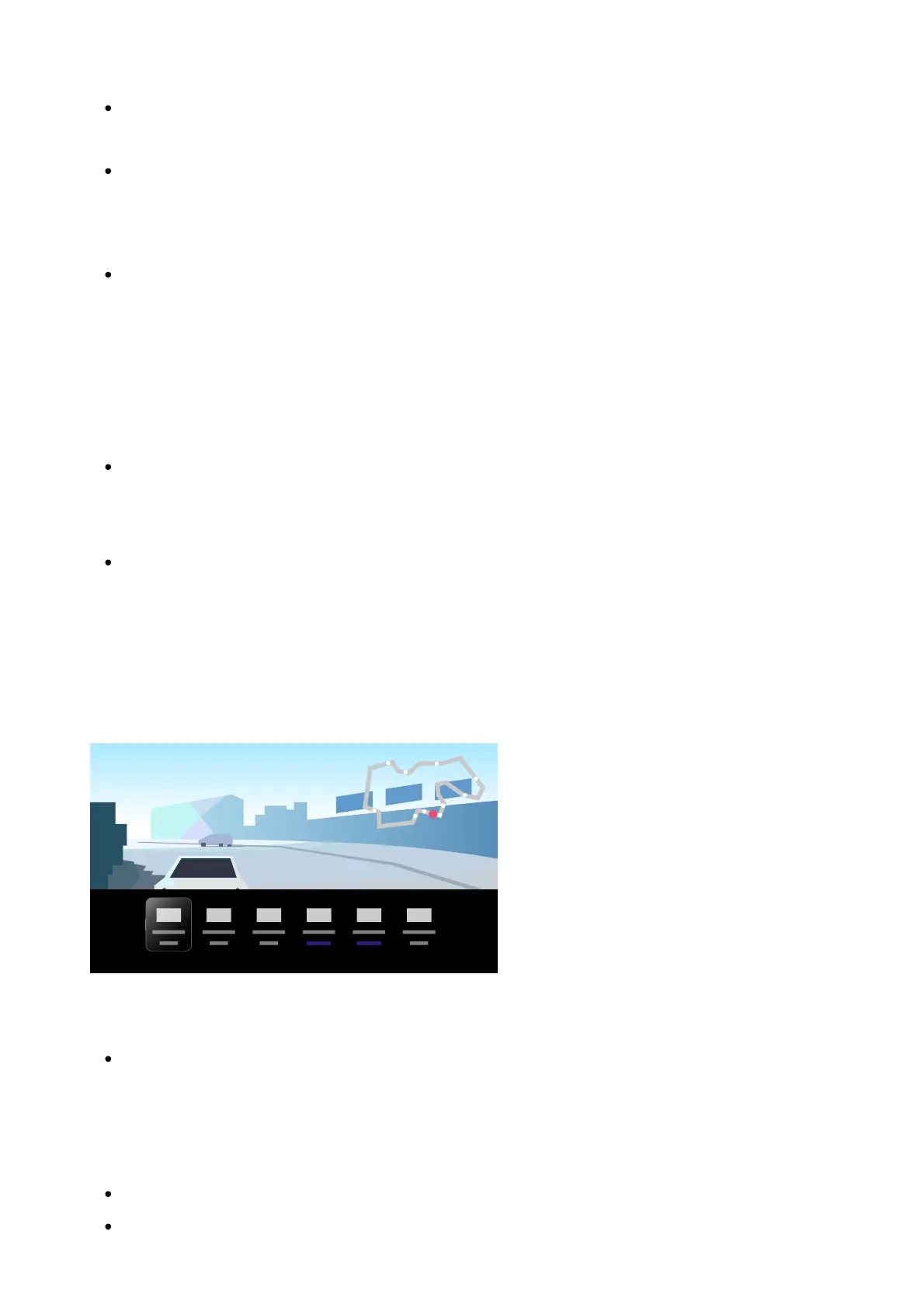
Game Menu
Pressing the MENU button displays a special menu for video games at the bottom of the
screen.
Hint
Depending on the connected video game console, the [Content type] may automatically
change to [Game]. If [Game] is not selected automatically, set it manually.
Note
The available options may vary.
Unsupported options are greyed out (not available).













 To Next Page