If you select the [Show password] option in the password entry screen, the exposed
password may be seen by other individuals.
Related topics
Network (Internet/home)/apps
The TV cannot connect to the Internet/Network.
Connecting to a network using a LAN cable
Home network features
[84] Connecting to a Network
Home network features
Adjusting home network settings
Playing content from a computer
Playing content from a media server
[85] Home network features | Home network features
Adjusting home network settings
You can adjust the following home network settings.
To connect to a server
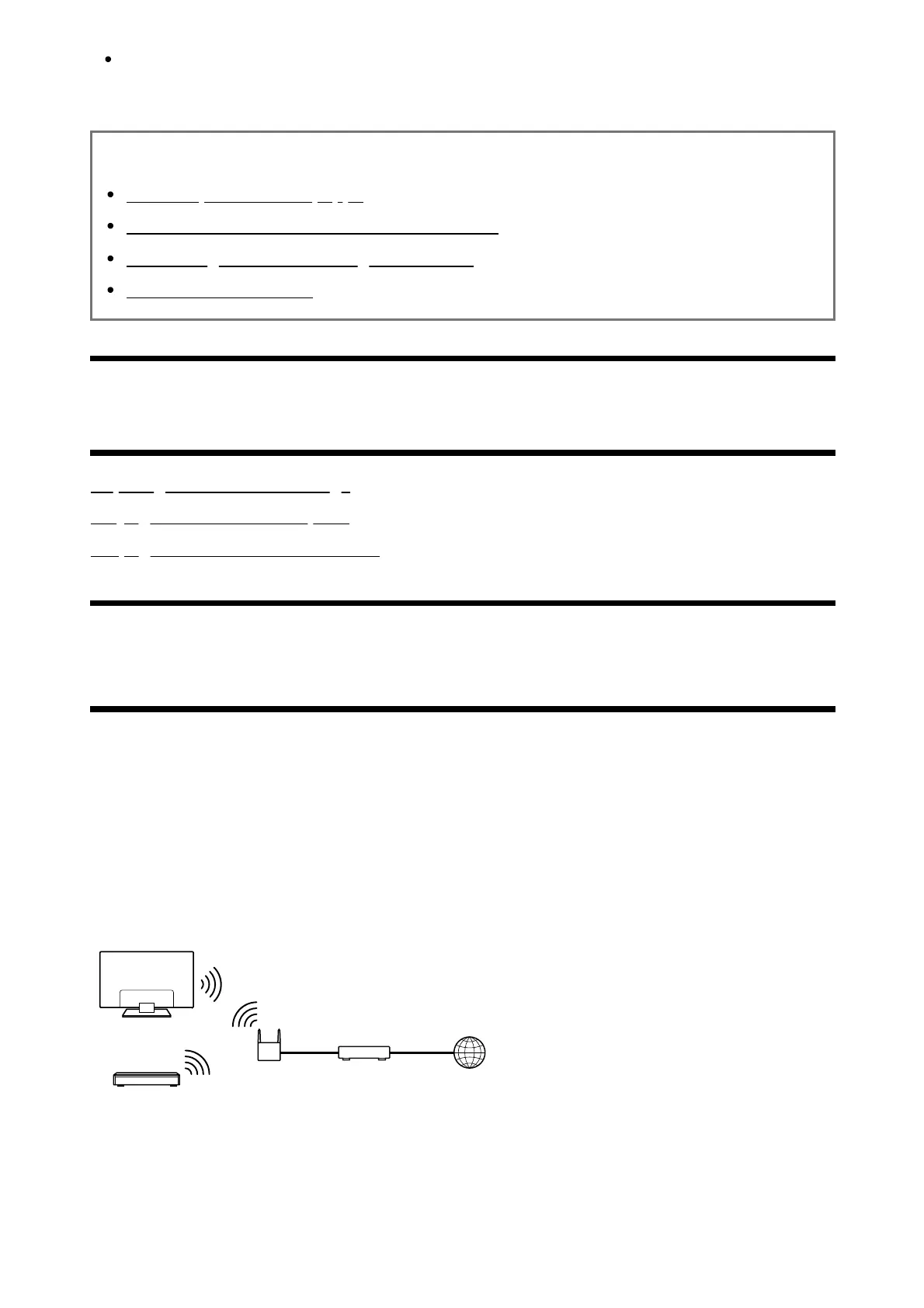
Connect the client device (TV) and the server device (BD/DVD recorder) to the same
network.
To register the TV as a client device on the server, refer to the server device manual.













 To Next Page