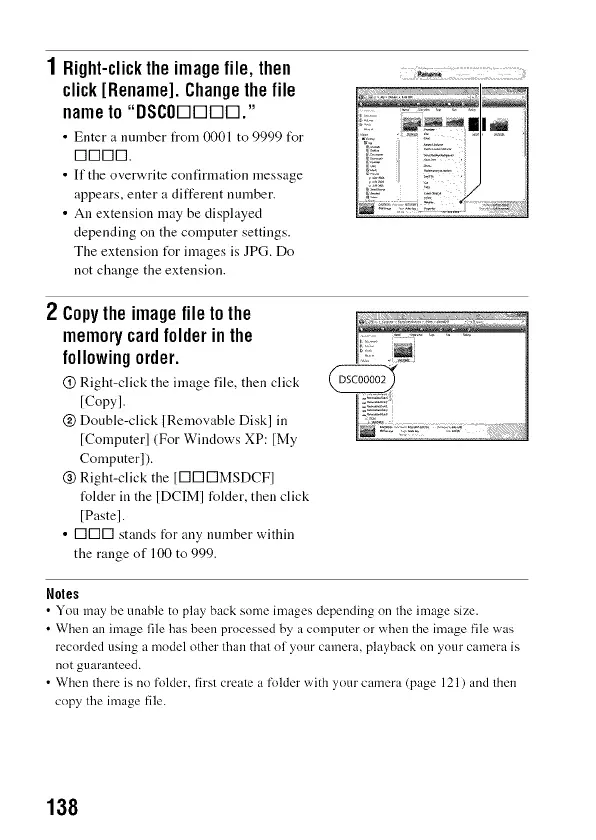
1 Right-clickthe imagefile, then
click[Rename].Changethefile
nameto "DSCODDDD."
• Enter a nnmber frona 0001 to 9999 f\>r
1-11-111111-1.
• If the overwrite confirmation message
appears, enter a different nmnber.
• An extension may be displayed
depending on the computer settings.
The extension fur images is JPG. Do
not change the extension.
2 Copytheimagefiletothe
memorycardfolderinthe
followingorder.
@ Right-click the image file, then click
[Copy].
@ Double-click lRemovable Disk] in
[Computer] (For Windows XP: [My
Computer]).
@ Right-click the [E]E]E]MSDCF]
t_lder in the IDCIMI folder, then click
[Paste].
• E]E]E] stands for any number within
the range of 100 to 999.
Noles
• You may be unable to play back some images depending on the image size.
• When an image file has been processed by a computer or when the image file was
recorded using a model other than that nf your camera, playback nn your camera is
nnt guaranteed.
• When there is no folder, first create a folder with your camera (page 121 ) and then
copy the image file.
138



 To Next Page