5 Detachthelens(page21).
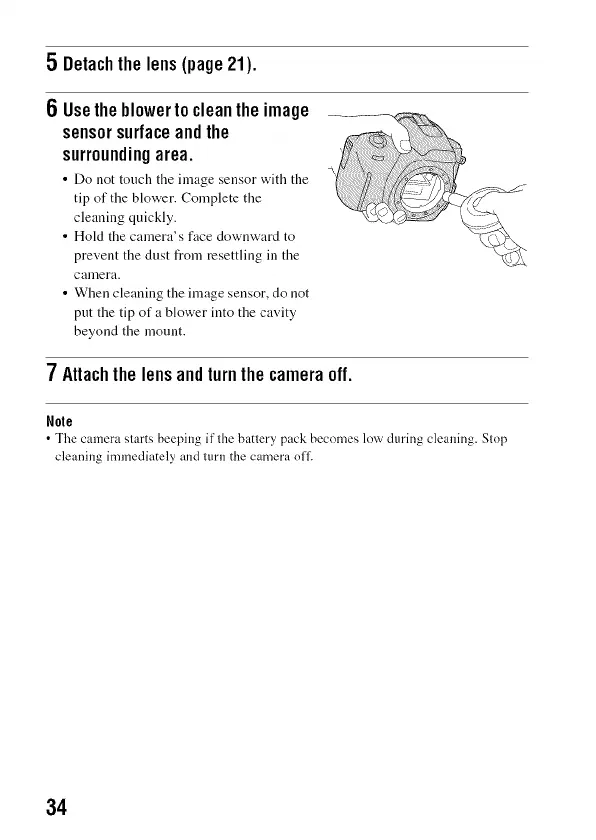
6 Usetheblowertocleanthe image
sensorsurfaceandthe
surroundingarea.
• Do not touch the image sensor with the
tip of the blower. Complete the
cleaning quickly.
• Hokt the camera's face downward to
prevent the dust from resettling in the
calnera.
• When cleaning the image sensor, do not
put the tip of a blower into the cavity
beyond the mount.
7Attachthelensandturnthecameraoff.
Nole
• The camera starts beeping if the battery pack becomes low during cleaning. Stop
cleaning immediately and 1111"11the camera o11.
34



 To Next Page