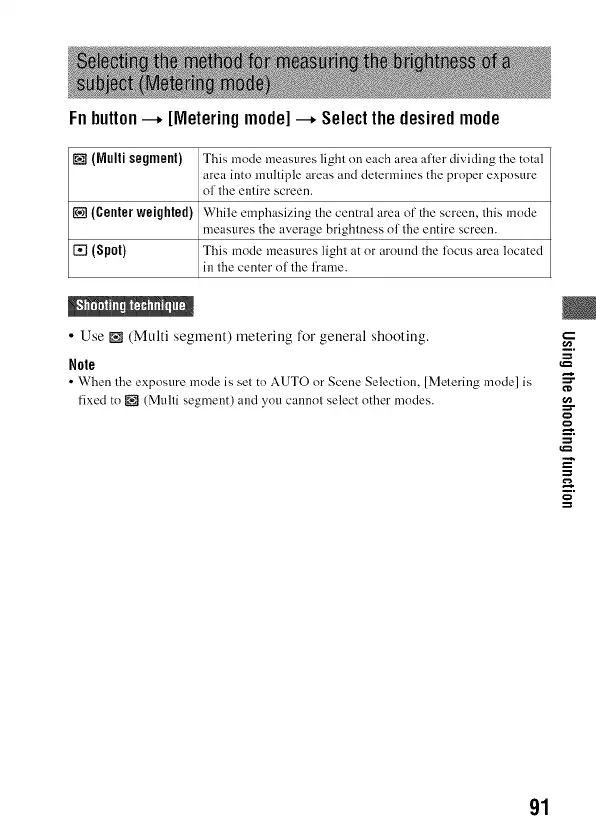
Fnbutton--+ [Meteringmode]--+ Selectthedesiredmode
[] (Multi segment) This mode measures light on each area after dividing the total
area into multiple areas and determines the proper exposure
of the entire screen.
[] (Center weighted) While emphasizing the central area of the screen, this mode
measures the average brightness of the entire screen.
[] (Spot) This mode measures light at or around the focus area located
in the center of the frame.
• Use [] (Multi segment) metering for general shooting.
Role
• When the exposure mode is set to AUTO or Scene Selection, [Metering mode] is
fixed to _ (Multi segment) and you cannot select other modes.
g
g-
o
=
==
91



 To Next Page