Setting ISO
Sensitivity to light is expressed by the [SO number (recommended
exposure index). The larger the number, the higher the sensitivity.
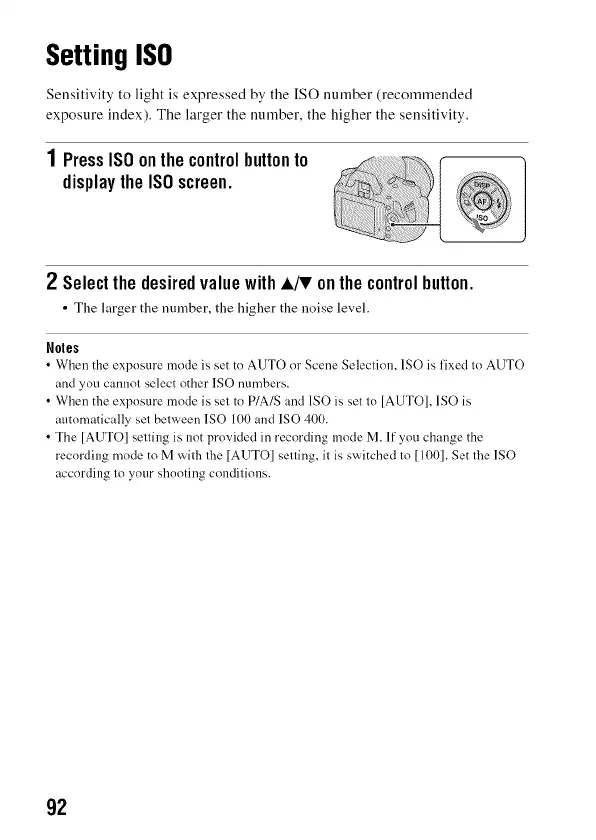
1PressISOonthecontrolbuttonto
displaytheISOscreen.
2 SelectthedesiredvaluewithA_ onthecontrolbutton.
• The larger the number, the higher the noise level.
Noles
•When the exposure mode is set to AUTO or Scene Selection, 1SO is fixed to AUTO
and you cannot select other ISO numbers.
• When the exposure mode is set to P/A/S and ISO is set to [AUTO], 1SO is
automatically set between 1SO 100 and ISO 400.
• The [AUTO] setting is not provided in recording mode M. If you change the
recording mode to M with the [AUTO] setting, it is switched to [100]. Set the 1SO
according to your shooting conditions.
92



 To Next Page