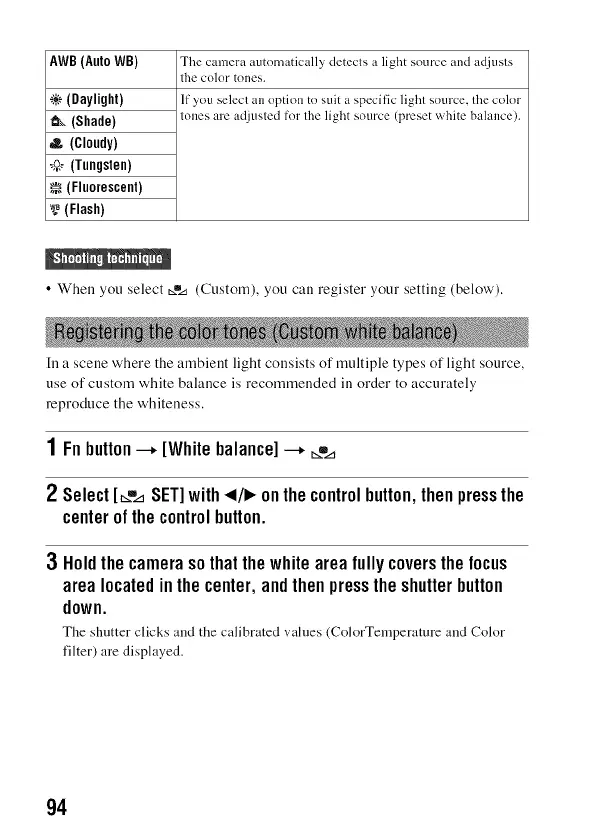
AWB (Auto WB)
_(Daylight)
_(Shade)
(Cloudy)
,_ (Tungsten)
_(Fluorescent)
(Flash)
The camera automatically detects a light source and adjusts
the color tones.
If you select an option to suit a specific light source, the color
tones are adjusted for the light source (preset white balance).
• When you select _.% (Custom), you call register your setting (below').
In a scene where the ambient light consists of multiple types of light source,
use of custom white balance is recommended in order to accurately
reproduce the whiteness.
1Fnbutton--+ [Whitebalance]--+ _,,,_
2 Select[_.,,_SET]with_1/1_onthecontrolbutton,thenpressthe
centerofthecontrolbutton.
3 Holdthecamerasothatthewhiteareafullycoversthefocus
arealocatedinthecenter,andthenpresstheshutterbutton
down.
The shutter clicks :rod the calibrated ',,alues (ColorTemper:tture :rod Color
filter) are displayed.
94



 To Next Page