7 Press the GAIN button.
The associated lamp lights.
8 Adjust the white balance at the highlight by pressing the BLUE,
GREEN and RED buttons tori.
9 When the adjustment is completed, press the WHITE button so
that the lamp goes off and the white signal disappears.
For white balance adjustment using a color analyzer or equivalent, see
Section 2.
1-6-2. Black Level Adjustment
Match the black reference of the monitor with the black level of the
input signal to be monitored.
23
1,4
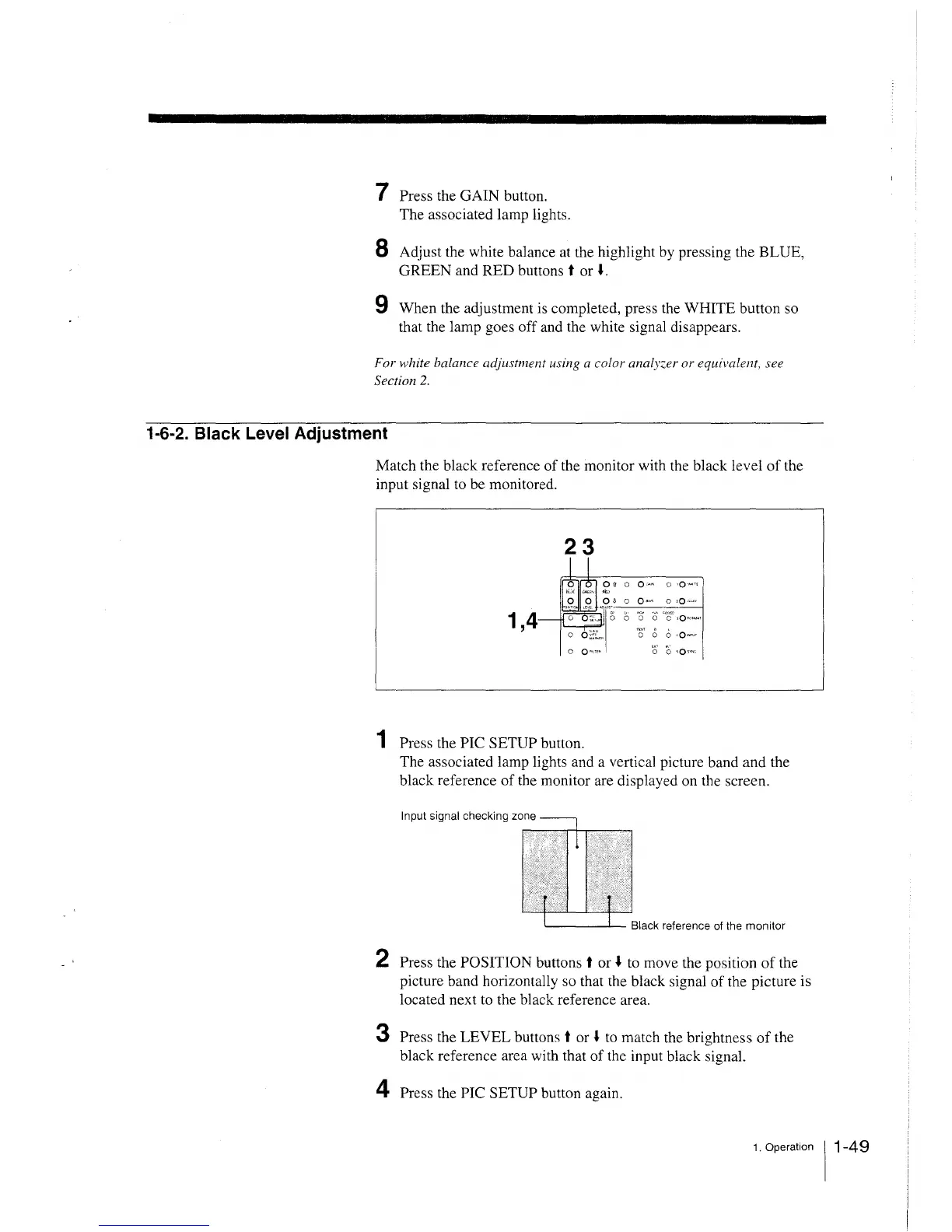
1 Press the PIC SETUP button.
0 • o O "" o ·O ,,.,
~i:v
'O' 0 0 ,Q1N"JT
0 0 sQ»NC
The associated lamp lights and a vertical picture band and the
black reference of the monitor are displayed on the screen.
Input signal checking zone
2 Press the POSITION buttons t or i to move the position of the
picture band horizontally so that the black signal of the picture is
located next to the black reference area.
3 Press the LEVEL buttons t or i to match the brightness of the
black reference area with that of the input black signal.
4 Press the PIC SETUP button again.
1. Operation 11-49







 To Next Page