EasyManua.ls Logo

Sony CDP-C445 - Fade-In and Fade-Out Effects; Performing Gradual Fade Effects; Setting Fade Time Duration

Sony CDP-C445
26 pages
Print Icon
To Next Page IconTo Next Page
To Previous Page IconTo Previous Page
Loading...
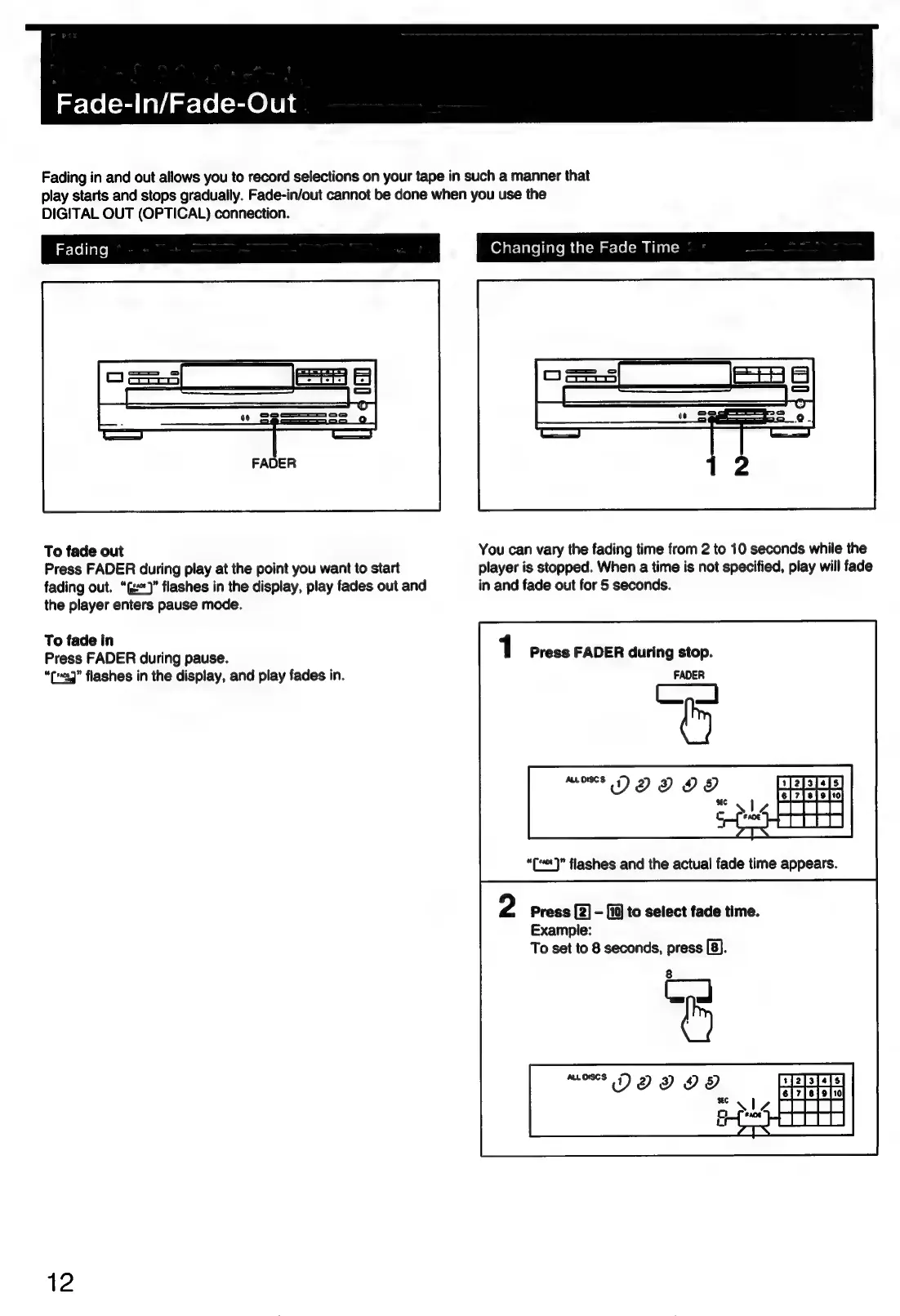
Fade-In/Fade-Out
Fading
in
and
out
allows
you
to
record
selections
on
your
tape
in
such
a
manner
that
play
starts
and
stops
gradually.
Fade-in/out
cannot
be
done
when
you
use
the
DIGITAL
OUT
(OPTICAL)
connection.
To
fade
out
You
can
vary
the
fading
time
from
2
to
10
seconds
while
the
Press
FADER
during
play
at
the
point
you
want
to
start
player
is
stopped.
When
a
time
is
not
specified,
play
will
fade
fading
out.
“G)”
flashes
in
the
display,
play
fades
out
and
in
and
fade
out
for
5
seconds.
the
player
enters
pause
mode.
To
fade
in
1
Press
FADER
during
pause.
Press
FADER
during
stop.
“eg”
flashes
in
the
display,
and
play
fades
in.
FADER
“(“«]”
flashes
and
the
actual
fade
time
appears.
2
Press
[2]
-
[10]
to
select
fade
time.
Example:
To
set
to
8
seconds,
press
[8].
12

Related product manuals