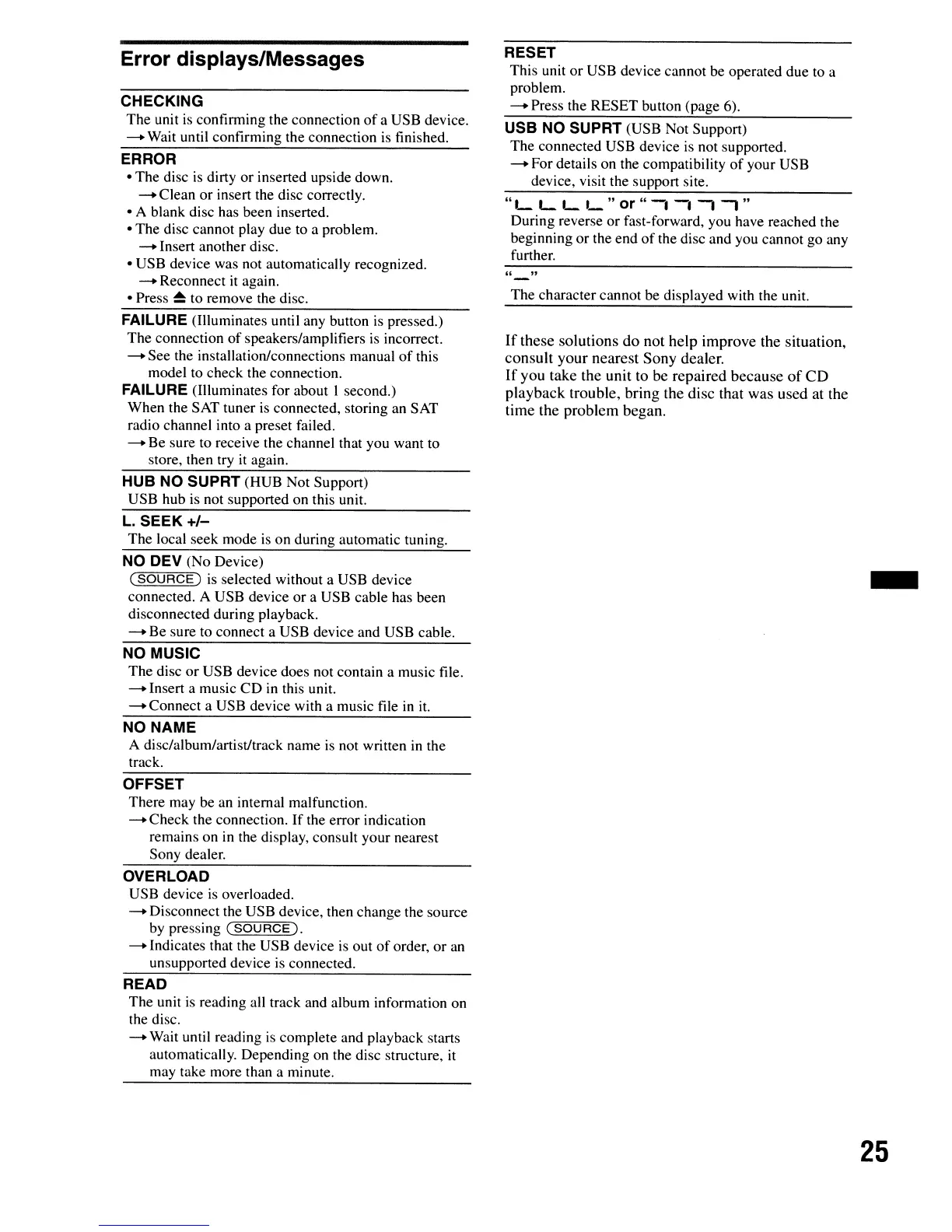
Error displays/Messages
CHECKING
The unit
is
confinning the connection
of
a USB device.
-+
Wait until confirming the connection is finished.
ERROR
• The disc
is
dirty or inserted upside down.
-+
Clean or insert the disc correctly.
• A blank disc has been inserted.
• The disc cannot play due
to
a problem.
-+
Insert another disc.
• USB device was not automatically recognized.
-+
Reconnect
it
again.
• Press
~
to remove the disc.
FAILURE (Illuminates until any button
is
pressed.)
The connection
of
speakers/amplifiers
is
incorrect.
-+
See the installation/connections manual
of
this
model to check the connection.
FAILURE (Illuminates for about I second.)
When the SAT tuner
is
connected, storing an SAT
radio channel into a preset failed.
-+
Be sure to receive the channel that you want to
store, then try
it
again.
HUB NO SUPRT (HUB Not Support)
USB hub
is
not supported on this unit.
L.
SEEK
+/-
The local seek mode
is
on during automatic tuning.
NO DEV (No Device)
(SOURCE)
is
selected without a USB device
connected. A USB device or a USB cable has been
disconnected during playback.
-+
Be sure
to
connect a USB device and USB cable.
NO MUSIC
The disc
or
USB device does not contain a music file.
-+
Insert a music CD
in
this unit.
-+
Connect a USB device with a music file
in
it.
NO NAME
A disc/album/artistltrack name
is
not written
in
the
track.
OFFSET
There may be an internal malfunction.
-+
Check the connection.
If
the error indication
remains on
in
the display, consult your nearest
Sony dealer.
OVERLOAD
USB device
is
overloaded.
-+
Disconnect the USB device, then change the source
by pressing
(SOURCE).
-+
Indicates that the USB device
is
out
of
order, or
an
unsupported device
is
connected.
READ
The unit
is
reading all track and album information on
the disc.
-+
Wait until reading
is
complete and playback starts
automatically. Depending on the disc structure, it
may take more than a minute.
RESET
This unit or USB device cannot be operated due to a
problem.
-+
Press the RESET button (page 6).
USB NO SUPRT (USB Not Support)
The connected USB device
is
not supported.
-+
For details on the compatibility
of
your USB
device, visit the support site.
"._
L L
'_
" or "
-.-. -,
-,
"
During reverse or fast-forward, you have reached the
beginning or the end
of
the disc and you cannot go any
further.
The character cannot be displayed with the unit.
If
these solutions
do
not
help
improve the situation,
consult
your
nearest
Sony
dealer.
If
you take the unit to be repaired
because
of
CD
playback
trouble, bring the disc that was
used
at the
time the
problem
began.
-
25





 To Next Page