Detaching
the
front
panel
You
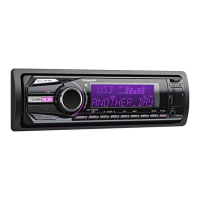
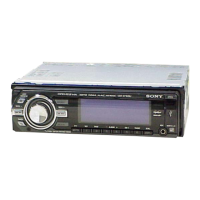
can detach the front panel
of
this unit to
prevent theft.
Caution alarm
If you tum the ignition switch to the OFF
position without detaching the front panel, the
caution alarm will sound for a few seconds.
The alarm will only sound if the built-in
amplifier
is
used.
1
Press
(OFF).
The unit
is
turned off.
2 Press
(OPEN).
The front panel
is
flipped down.
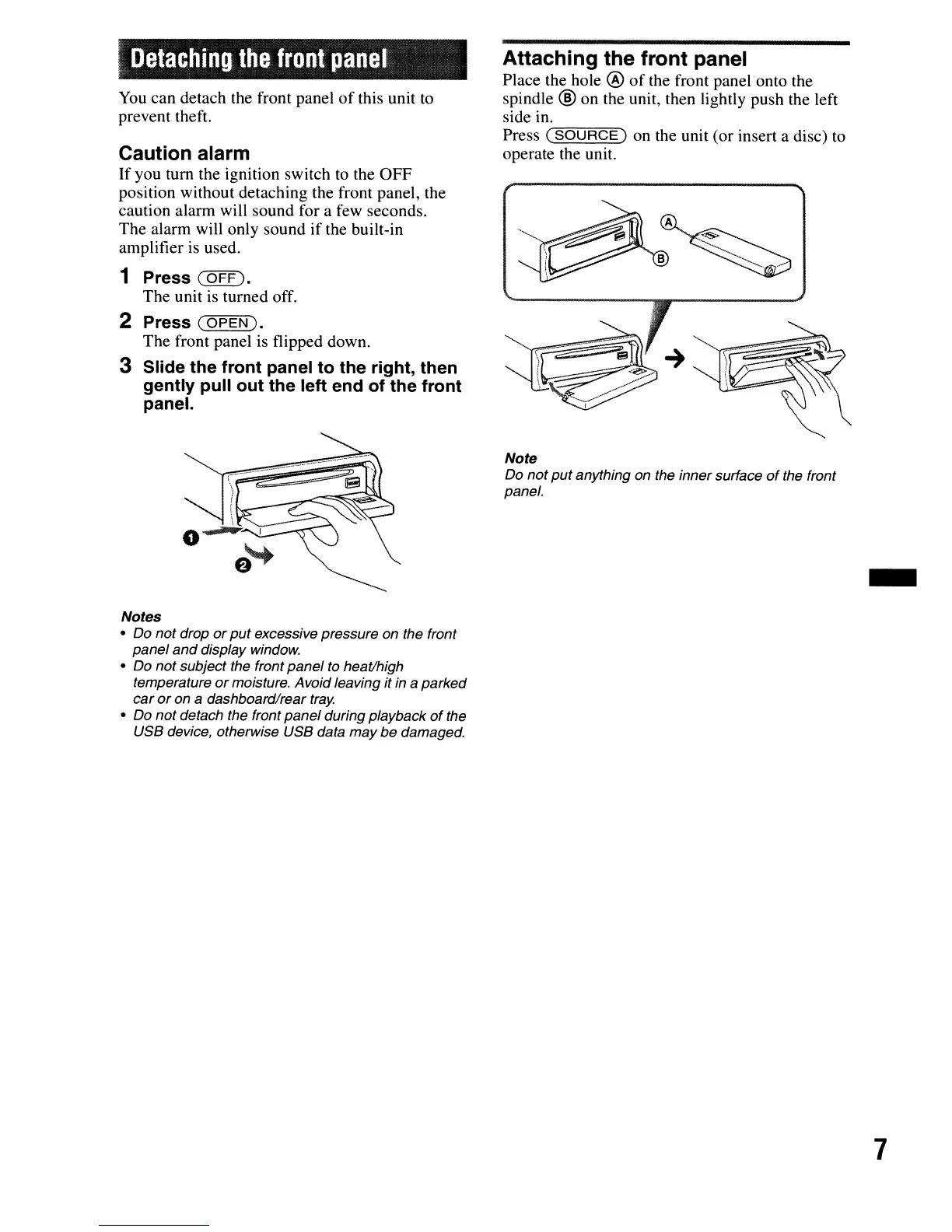
3 Slide the front panel to the right, then
gently pull out the left end of the front
panel.
Notes
• Do
not drop
or
put
excessive pressure on the front
panel
and
display window.
• Do not subject the front panel
to
heat/high
temperature
or
moisture. Avoid leaving it
in
a parked
car
or
on a dashboard/rear
tray.
• Do
not
detach the front panel during playback
of
the
USB device, otherwise USB data may
be
damaged.
Attaching the front panel
Place the hole @
of
the front panel onto the
spindle
@ on the unit, then lightly push the left
side in.
Press
(--==S"""O"'U"'""'R=C=E=--)
on the unit (or insert a disc) to
operate the unit.
Note
Do
not
put
anything on the inner surface
of
the front
panel.
-
7





 To Next Page