Location
of
controls
and
basic
operations
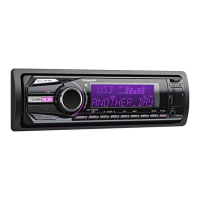
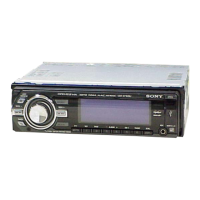
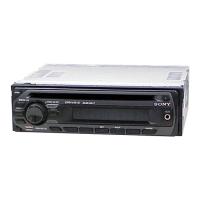
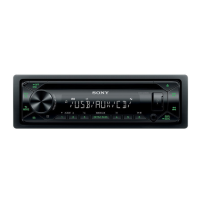
Main unit
Front panel removed
:-Apll!!olc':.....
.~E!'
.....
~]EE[,I"
lCIJ$ij[};?:ii
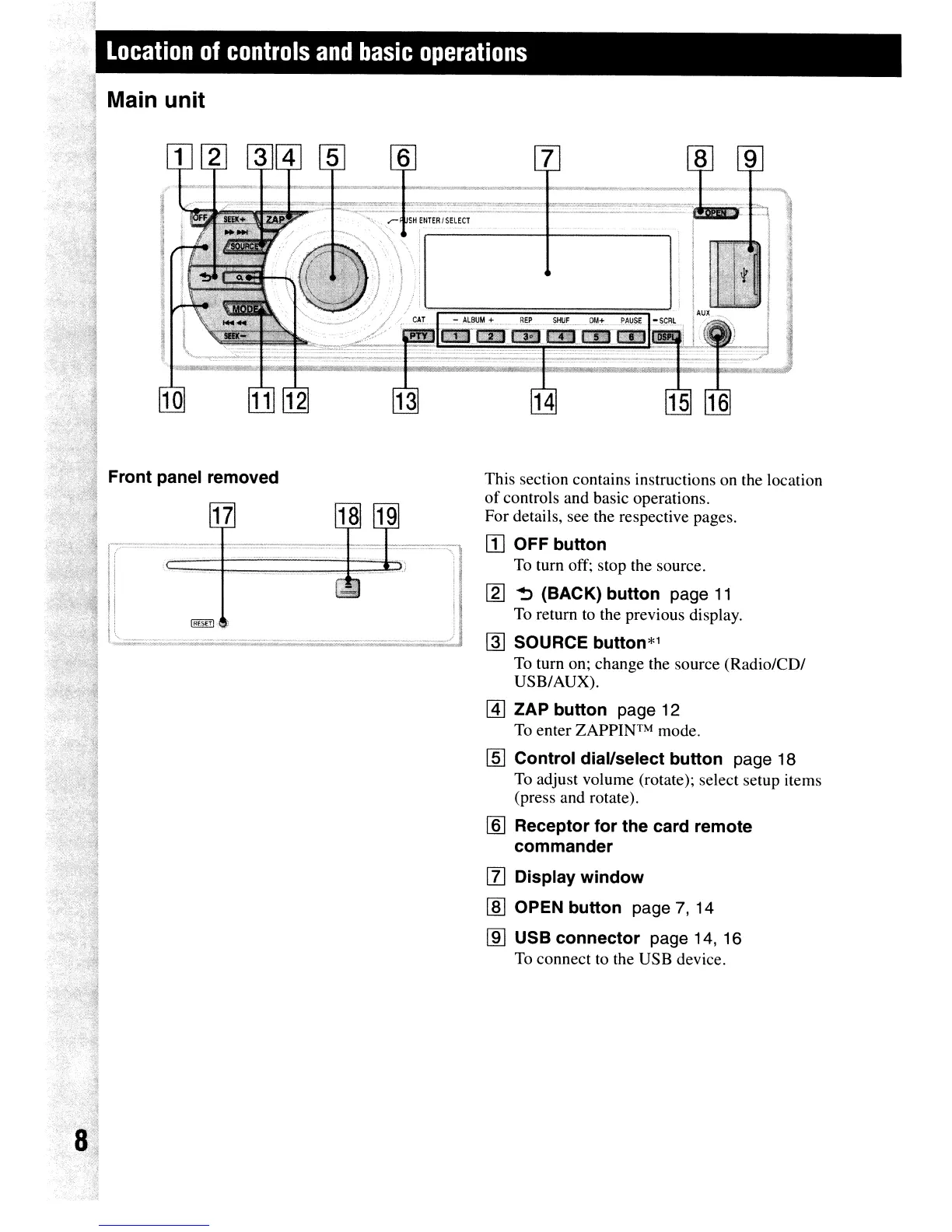
This section contains instructions on the location
of
controls and basic operations.
For details, see the respective pages.
[I]
OFF button
To
turn off; stop the source.
[2J
~
(BACK) button page
11
To
return to the previous display.
~
SOURCE button*l
To
turn on; change the source (Radio/CD/
USB/AUX).
@]
ZAP button page 12
To
enter
ZAPPINTM
mode.
[§] Control dial/select button page 18
To
adjust volume (rotate); select setup items
(press and rotate).
[§J
Receptor for the card remote
commander
[l]
Display window
[ID
OPEN button page 7, 14
[ID
USB connector page 14, 16
To
connect to the USB device.





 To Next Page