[Q]
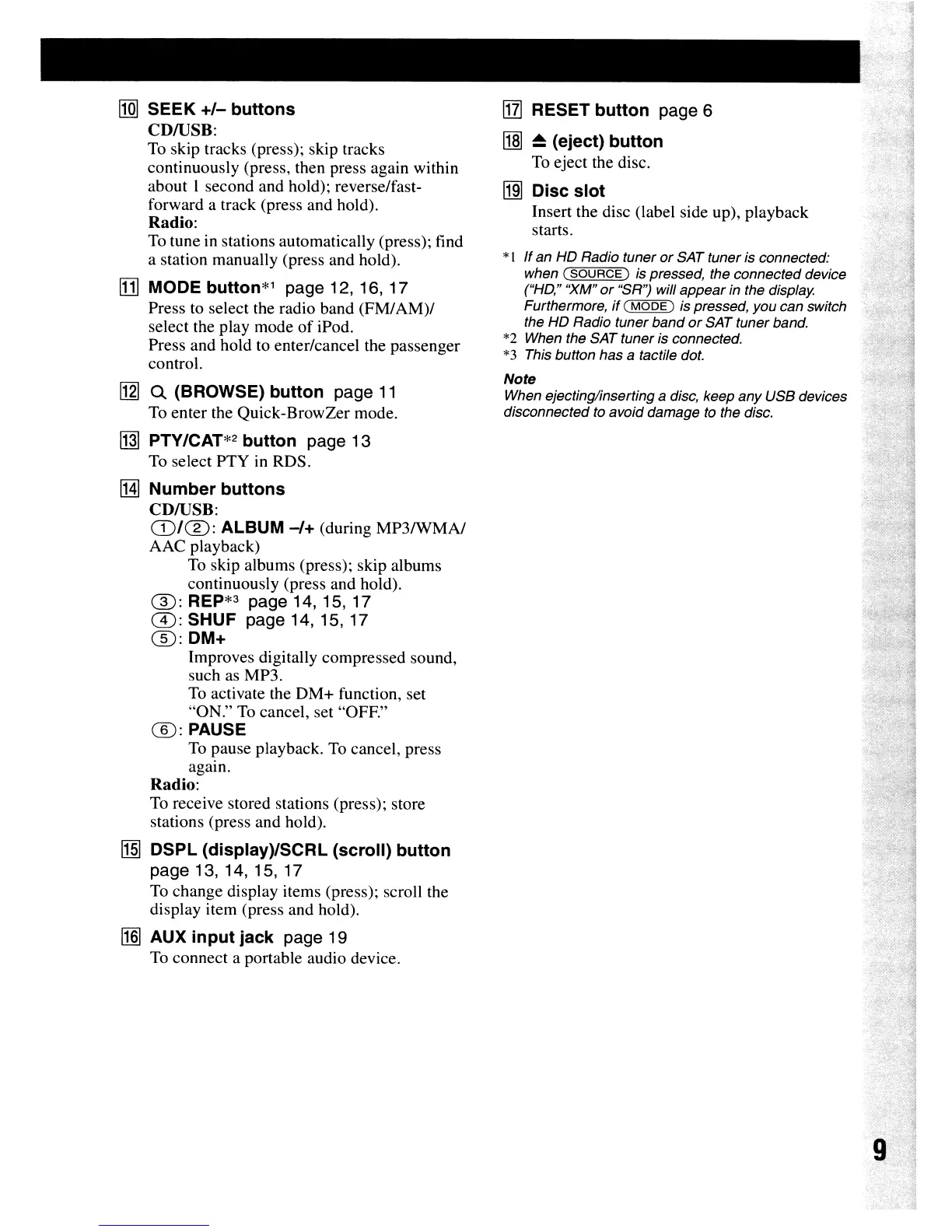
SEEK
+/-
buttons
CDIUSB:
To
skip tracks (press); skip tracks
continuously (press, then press again within
about I second and hold); reverse/fast-
forward a track (press and hold).
Radio:
To
tune in stations automatically (press); find
a station manually (press and hold).
II1l
MODE
button*l
page 12, 16, 17
Press to select the radio band (FM/AM)/
select the play mode
of
iPod.
Press and hold to enter/cancel the passenger
control.
[2]
Q (BROWSE)
button
page
11
To
enter the Quick-BrowZer mode.
~
PTY/CAT*2
button
page 13
To
select PTY in RDS.
!HI
Number
buttons
CDIUSB:
(D/(%):
ALBUM
-/+
(during MP3IWMA/
AAC
playback)
To
skip albums (press); skip albums
continuously (press and hold).
®:
REP*3 page
14,15,17
G):
SHUF page 14, 15, 17
®:DM+
Improves digitally compressed sound,
such
as
MP3.
To
activate the
DM+
function, set
"ON."
To
cancel, set
"OFE"
(]):PAUSE
To
pause playback.
To
cancel, press
again.
Radio:
To receive stored stations (press); store
stations (press and hold).
MI
DSPL (display)/SCRL
(scroll)
button
page 13, 14, 15, 17
To
change display items (press); scroll the
display item (press and hold).
11m
AUX
input
jack
page 19
To
connect a portable audio device.
[1l]
RESET
button
page 6
~
~
(eject)
button
To
eject the disc.
~
Disc
slot
Insert the disc (label side up), playback
starts.
*I If an HD Radio tuner
or
SAT tuner is connected:
when
(SOURCE)
is pressed, the connected device
(''HO,'' "XM"
or
"SR'? will appear in the display.
Furthermore,
if
(
MODE)
is pressed, you can switch
the HD Radio tuner band
or
SAT tuner band.
*2 When the SAT tuner is connected.
*3 This button has
a tactile dot.
Note
When ejecting/inserting a disc, keep any USB devices
disconnected to avoid damage to the disc.





 To Next Page