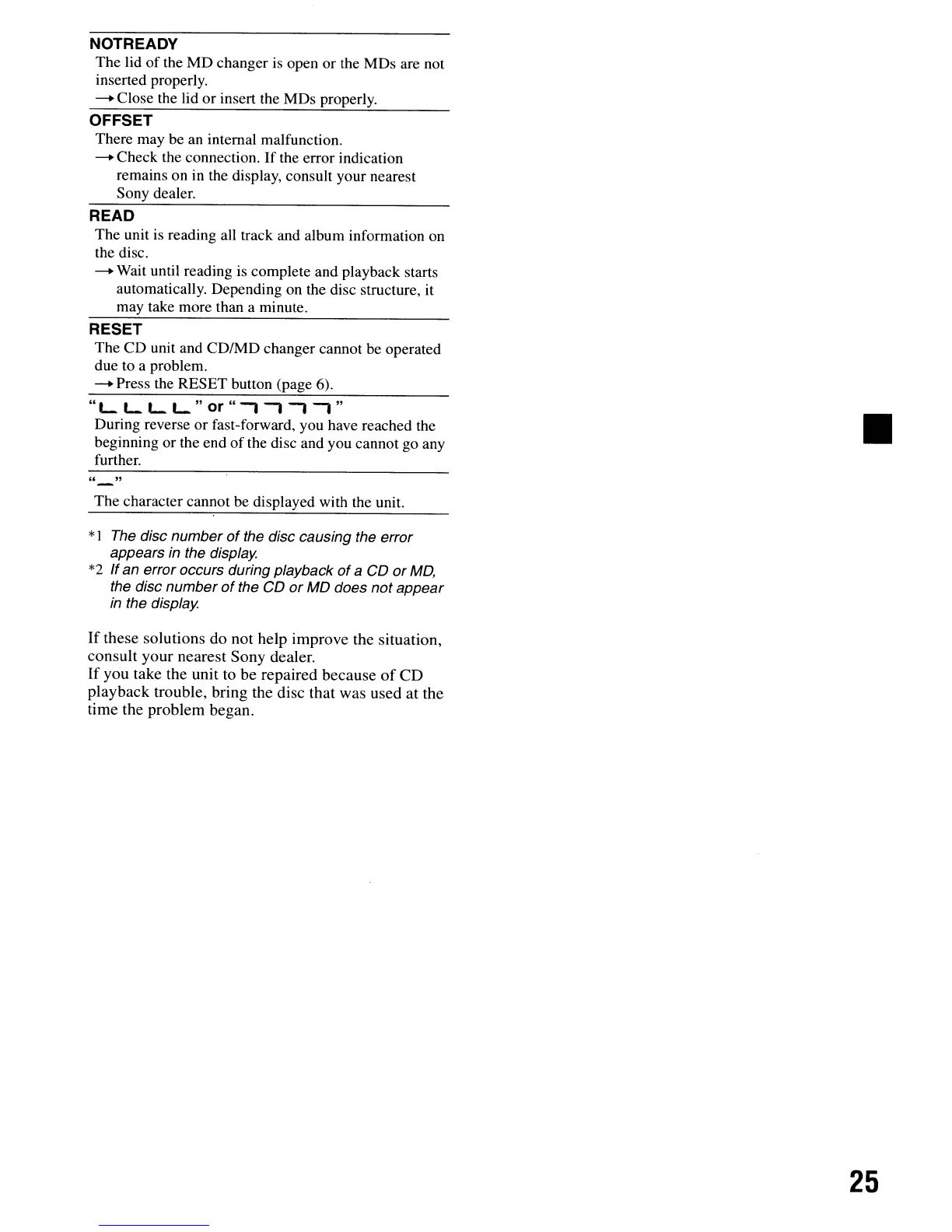
NOTREADY
The lid
of
the
MD
changer is open or the MDs are not
inserted properly.
--.
Close the lid or insert the MDs properly.
OFFSET
There may be an internal malfunction.
--.
Check the connection.
If
the error indication
remains on in the display, consult your nearest
Sony dealer.
READ
The unit is reading all track and album information on
the disc.
--.
Wait until reading
is
complete and playback starts
automatically. Depending on the disc structure, it
may take more than a minute.
RESET
The
CD
unit and CD/MD changer cannot be operated
due to a problem.
--.
Press the RESET button (page 6).
"L.
L.
L.
L.
" or "
-,
-,-,
-,
"
During reverse
or
fast-forward, you have reached the
beginning or the end
of
the disc and you cannot go any
further.
" "
The character cannot be displayed with the unit.
*1
The disc number
of
the disc causing the error
appears
in
the display.
*2
If
an error occurs during playback
of
a CD or
MD,
the disc number
of
the CD or MD does not appear
in
the display.
If
these
solutions
do
not
help
improve
the
situation,
consult
your
nearest
Sony
dealer.
If
you
take
the
unit
to
be
repaired
because
of
CD
playback
trouble,
bring
the
disc
that was
used
at
the
time
the
problem
began.
25
NOTREADY
The lid
of
the
MD
changer is open or the MDs are not
inserted properly.
--.
Close the lid or insert the MDs properly.
OFFSET
There may be an internal malfunction.
--.
Check the connection.
If
the error indication
remains on in the display, consult your nearest
Sony dealer.
READ
The unit is reading all track and album information on
the disc.
--.
Wait until reading
is
complete and playback starts
automatically. Depending on the disc structure, it
may take more than a minute.
RESET
The
CD
unit and CD/MD changer cannot be operated
due to a problem.
--.
Press the RESET button (page 6).
"L.
L.
L.
L.
" or "
-,
-,-,
-,
"
During reverse
or
fast-forward, you have reached the
beginning or the end
of
the disc and you cannot go any
further.
" "
The character cannot be displayed with the unit.
*1
The disc number
of
the disc causing the error
appears
in
the display.
*2
If
an error occurs during playback
of
a CD or
MD,
the disc number
of
the CD or MD does not appear
in
the display.
If
these
solutions
do
not
help
improve
the
situation,
consult
your
nearest
Sony
dealer.
If
you
take
the
unit
to
be
repaired
because
of
CD
playback
trouble,
bring
the
disc
that was
used
at
the
time
the
problem
began.
25



 To Next Page