Sony CLIÉ™ handheld basic operations 33
Using the Palm OS
®
standard screen
Changing the display style of the Palm OS standard
screen
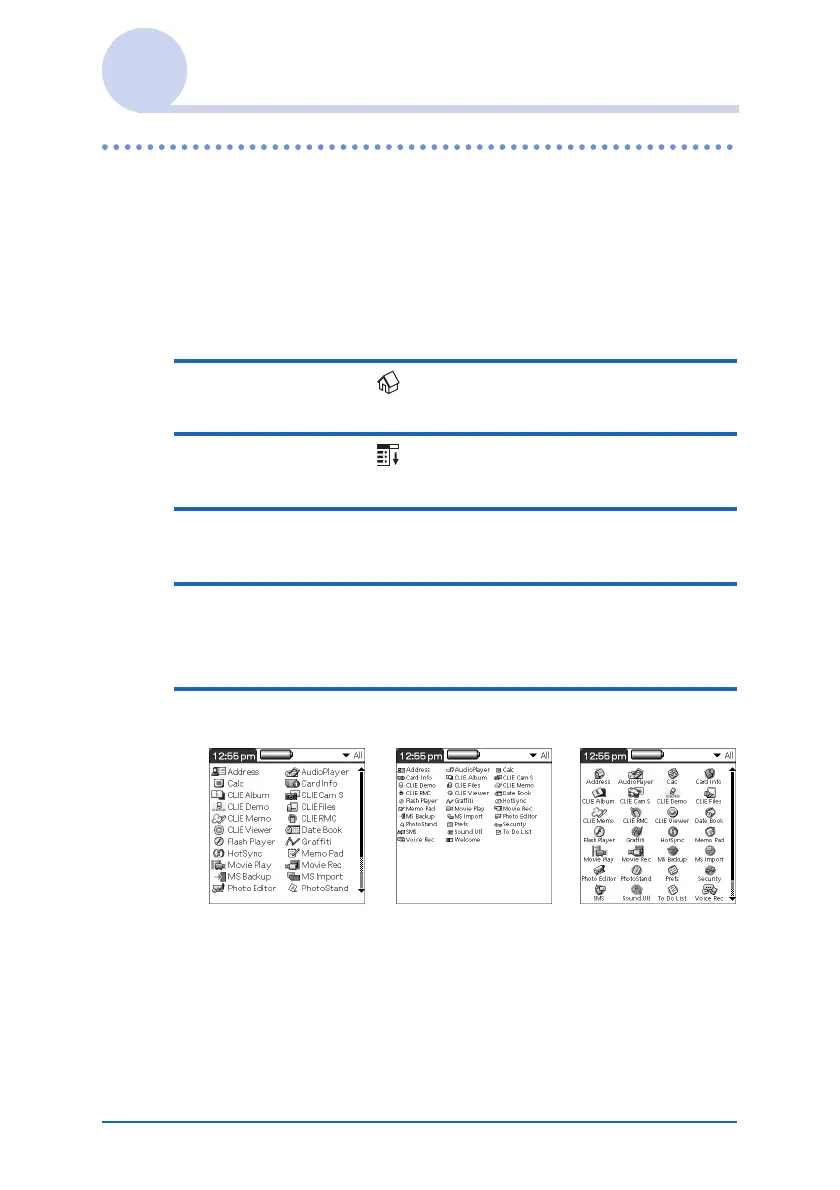
On the Palm OS standard screen, you can display applications in
the list format or in the small-icon format. You can also choose
to display your favorite category or last-used application when
the Palm OS standard screen is displayed.
1 Tap the Home icon.
2 Tap the Menu icon.
3 Tap Preferences from the Options menu.
4 Tap the arrow V next to the right of View By
and select List, List (Small) or Icon (Small).
5 Tap OK.
List view List (Small) view Icon (Small) view













 To Next Page