Entering data on your Sony CLIÉ™ handheld 56
Using Graffiti
®
writing to enter data
Using Shortcuts
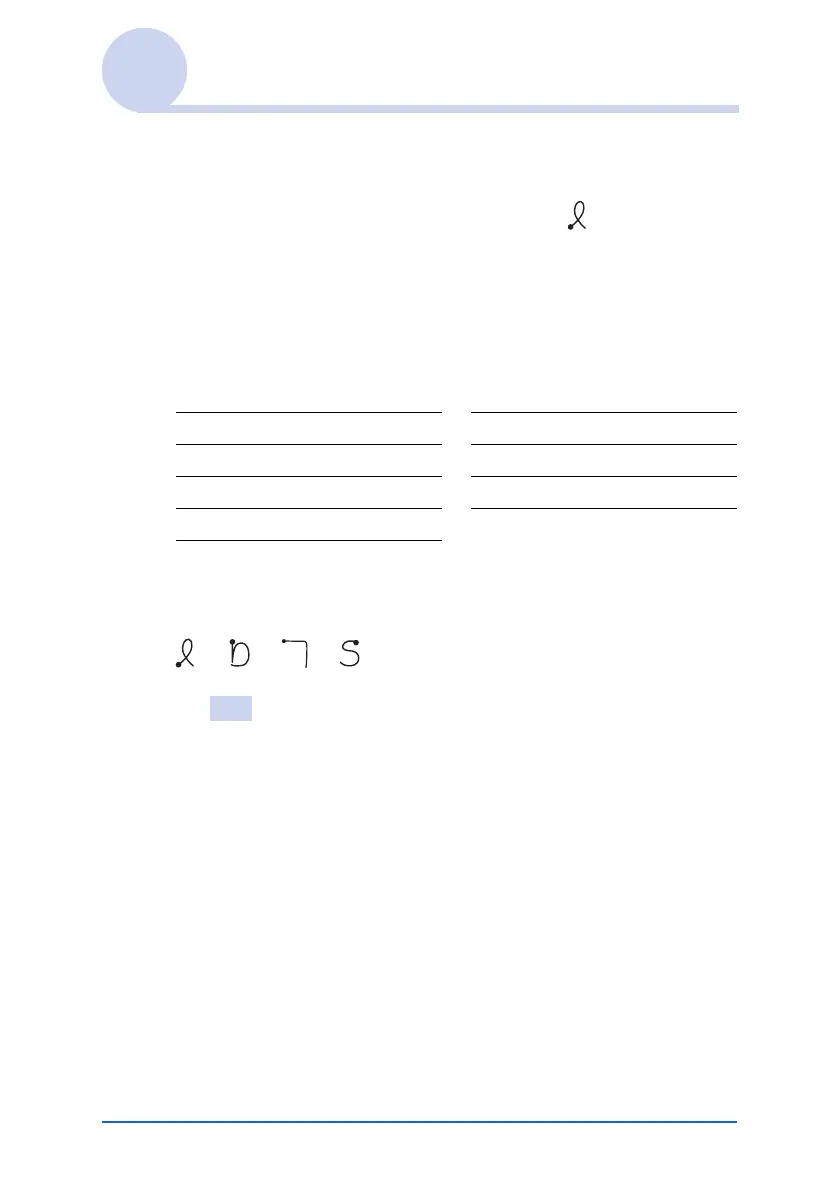
There are four types of Graffiti Shortcut.
To use a Shortcut, draw the Shortcut stroke followed by the
Shortcut characters.
When you draw the Shortcut stroke, the Shortcut symbol appears
at the insertion point to show that you are in Shortcut mode.
The following are the Graffiti Shortcuts that are registered on
your CLIÉ handheld:
For example, when you enter “dts” using the Graffiti Shortcut,
you can enter the current date and time.
Tip
You can also create your own Shortcuts (page 97).
Date stamp ds Breakfast br
Time stamp ts Lunch lu
Date/time stamps dts Dinner di
Meeting me
bbb













 To Next Page