Entering data on your Sony CLIÉ™ handheld 53
Using Graffiti
®
writing to enter data
Entering characters with Graffiti
1 Tap the Date Book icon on the Application
Launcher screen.
Date Book starts. Today's schedule is displayed.
2 Tap the time line in the Date Book screen.
3 Use the tables on the previous pages to find the
stroke shape for the letter you want to create.
There are two different stroke shapes available for some
letters. For those letters, choose the one that is easier for you.
You use the same shape to create both the upper case and
lower case version of a letter.
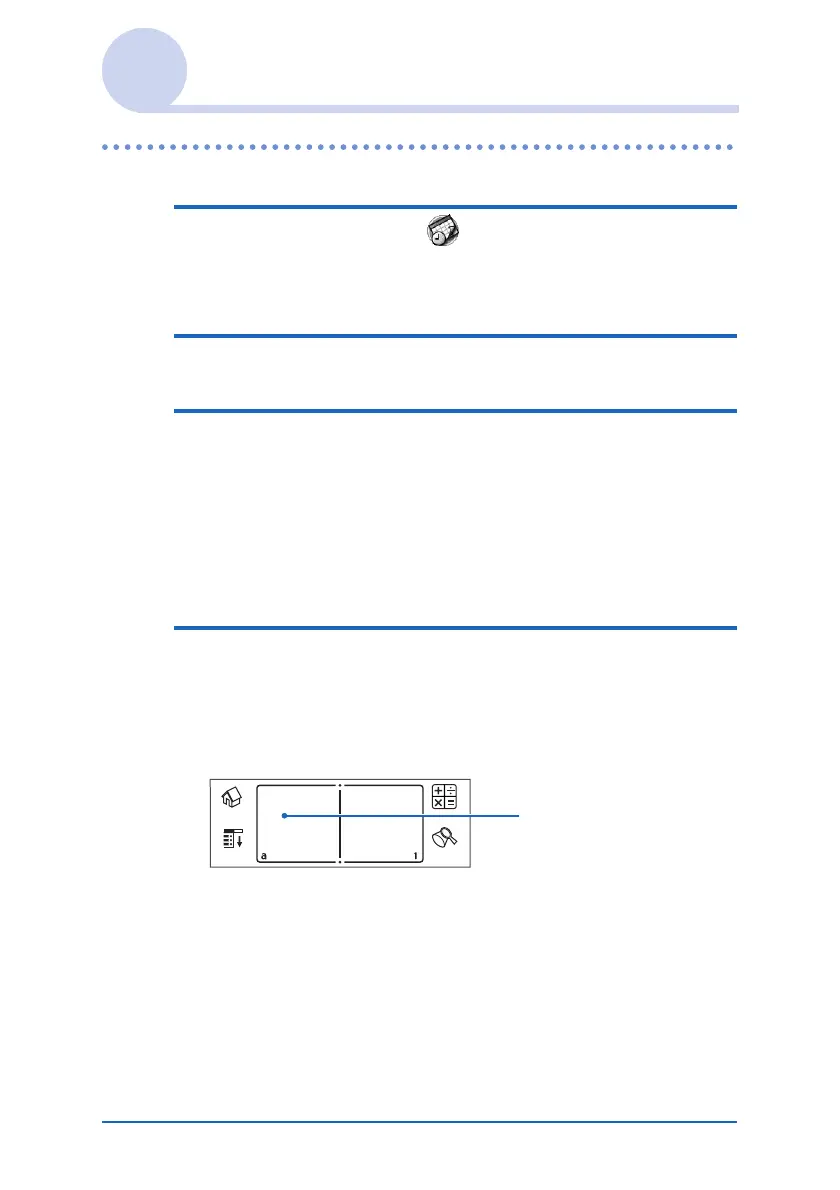
4 Position the stylus in the left-hand side of the
Graffiti writing area. Start your stroke at the
dot and draw the stroke shape as it appears in
the tables.
Position the stylus
Continued on next page
• • • • • • • • • • • • • • • • • • •













 To Next Page