Sony CLIÉ™ handheld basic operations 37
Changing fonts
You can change the font style in applications such as Date Book
or Address Book according to your preferences. A font style can
be assigned to each application.
1 Start an application whose font style you want
to change.
2 Tap the Menu icon.
The menu is displayed.
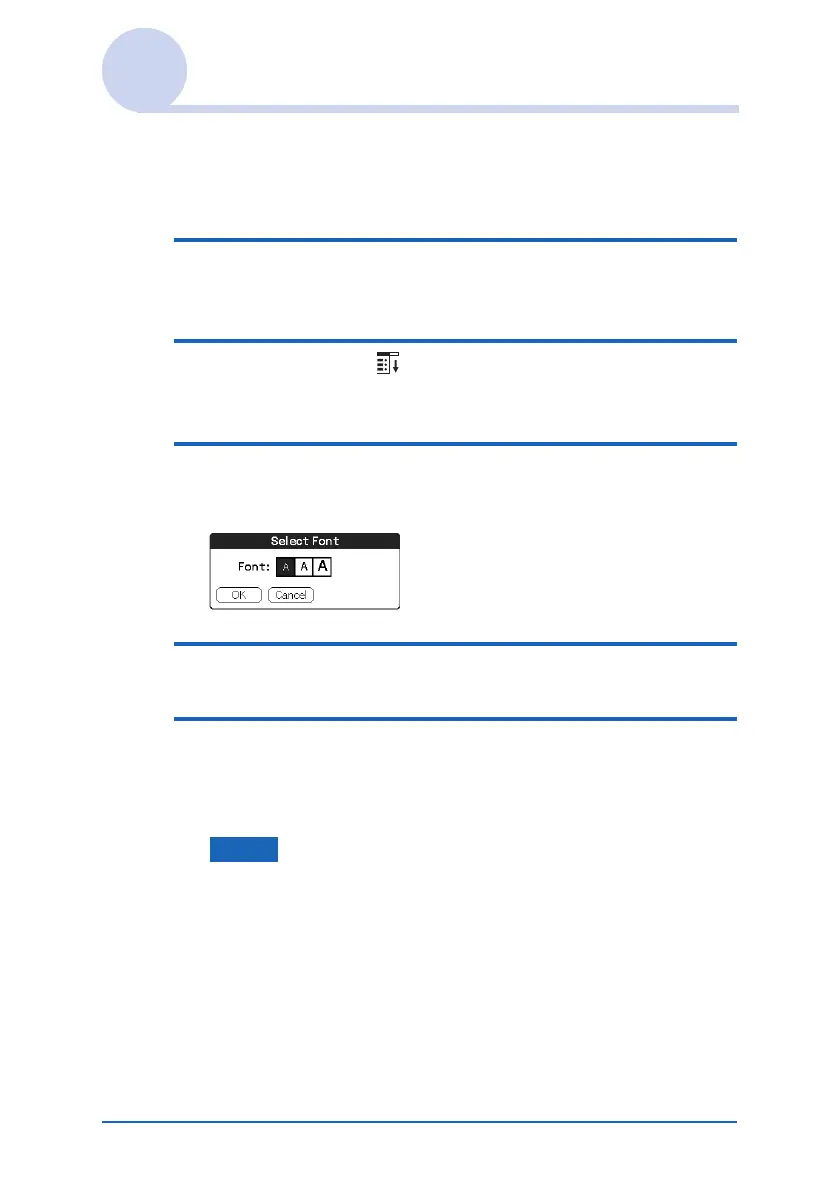
3 Tap Font from the Options menu.
The Select Font dialog box is displayed.
4 Tap the font style you want to use.
5 Tap OK.
The text in the application is displayed in the font style you
selected.
Note
Font style is not available for all applications.


 To Next Page
 Loading...









