Exchanging and updating data using a HotSync
®
operation 63
Using the Palm™ Desktop for CLIÉ software
Locating the Palm™ Desktop for CLIÉ software
components
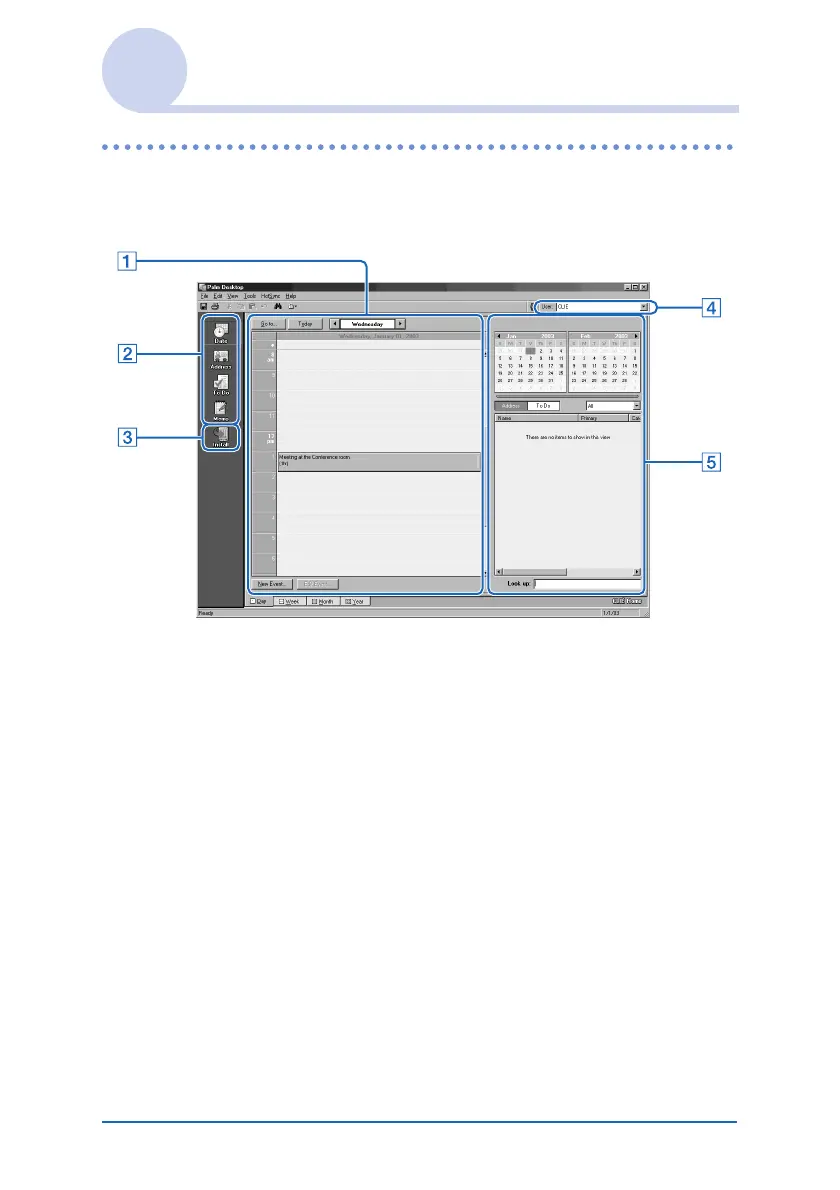
A List pane
Displays the records in the current Desktop application.
B Application Launch bar
Click an icon to open the associated application.
C Install Tool icon
Click this icon to display the Install Tool dialog box. You
can install applications from your CLIÉ handheld with a
HotSync
®
operation. For details, refer to “Installing” on
page 175.
D User selector
Displays the user name of the current information.
Continued on next page
• • • • • • • • • • • • • • • • • • •













 To Next Page