Entering data on your Sony CLIÉ™ handheld 48
Using Graffiti
®
writing to enter data
Writing capital letters
Shift to caps to make capital letters with the same stroke shapes
as the basic alphabet characters.
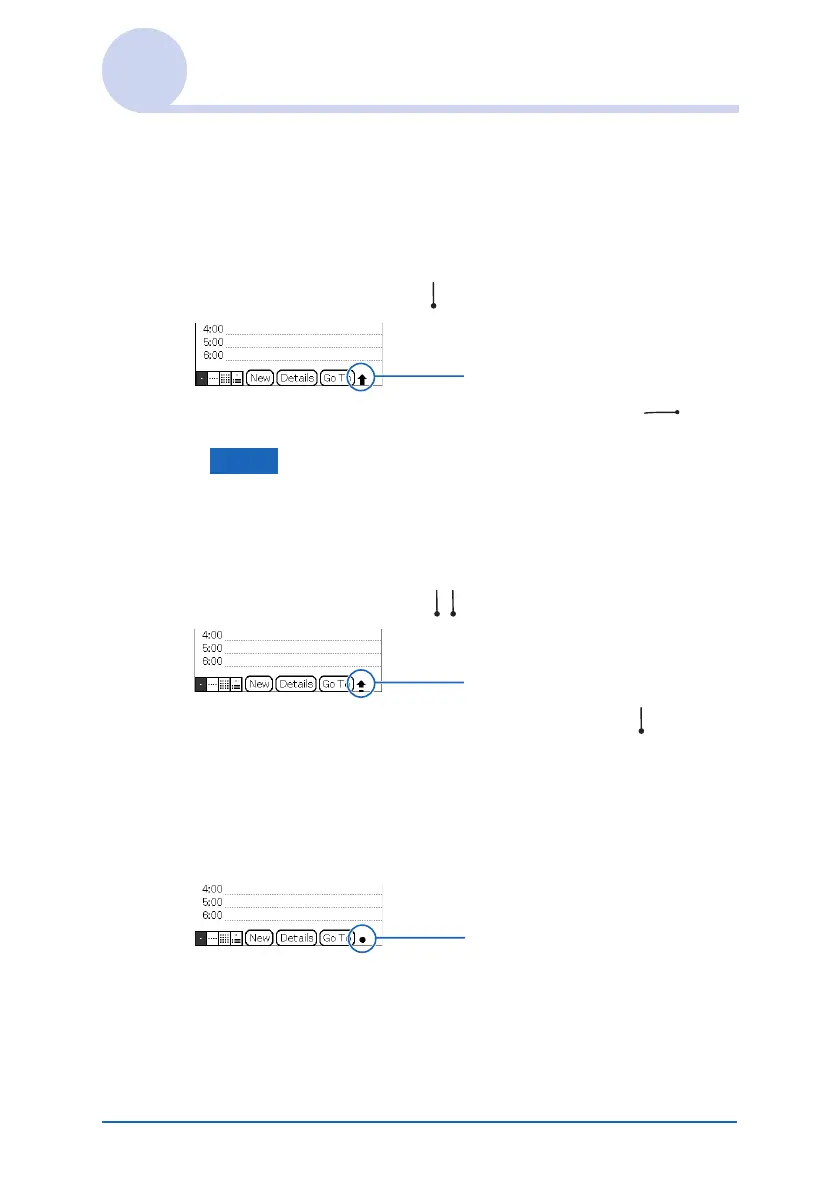
• To draw the first letter of a word as a capital letter
Use the Caps Shift stroke .
To return to lower case, use the BackSpace stroke .
Note
When you create a new sentence or a new record (by tapping New
or a blank line), the first letter is automatically capitalized.
• To enter only capital letters (Caps Lock)
Use the Caps Lock stroke .
To return to lower case, use the Caps Shift stroke .
Writing punctuation marks
Tap once on the Graffiti writing area to activate Punctuation
Shift. The next stroke you make anywhere in the Graffiti area
(the letters or numbers side) creates a punctuation mark.
Caps Shift
Caps Lock
Punctuation Shift
Continued on next page
• • • • • • • • • • • • • • • • • • •


 To Next Page
 Loading...









