Customizing your Sony CLIÉ™ handheld (Preferences) 68
What you can do with Preferences
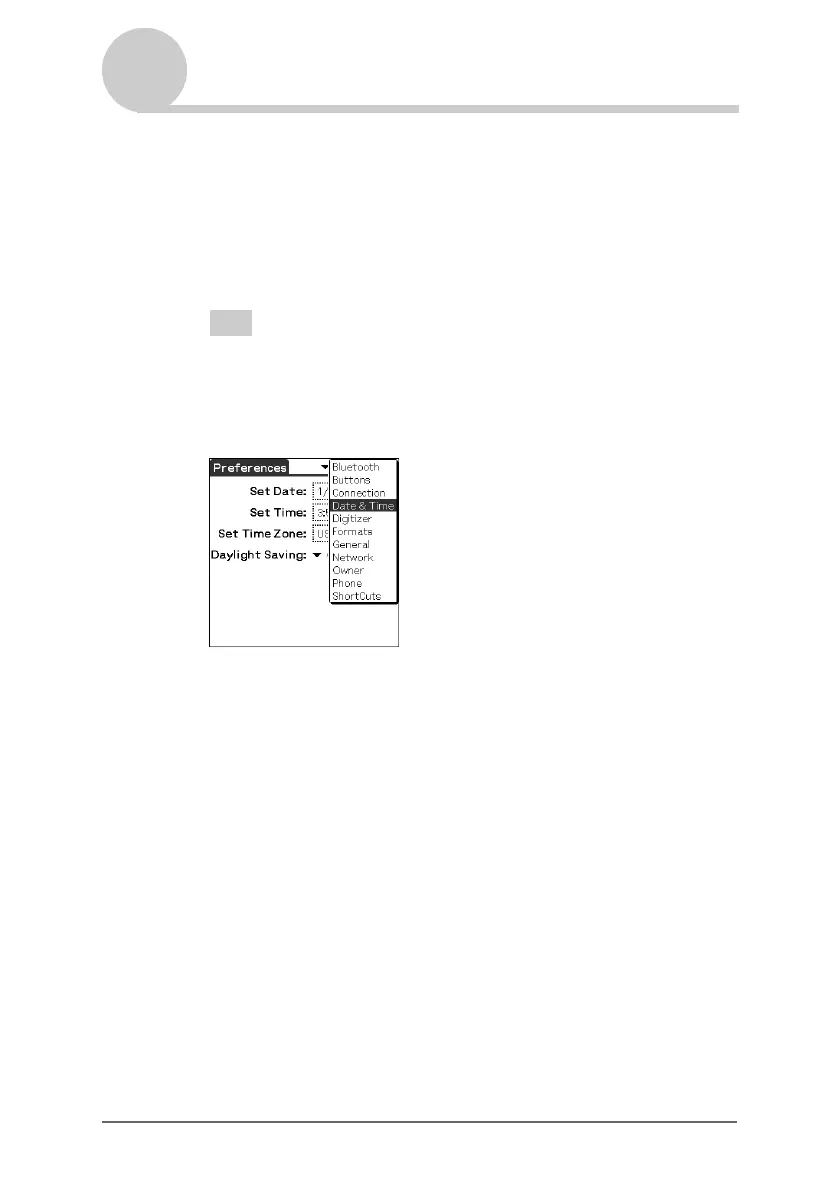
Displaying the Preferences screen for each menu
1 Rotate the Jog Dial™ navigator to select the Prefs icon on
the Application Launcher screen and press the Jog Dial™
navigator.
The Preferences screen is displayed.
Tip
You can also tap the Prefs icon to display the Preferences screen.
2 Tap the arrow V in the top right-hand corner of the screen
and select the Preferences menu you want to configure.


 To Next Page
 Loading...









