110
General setup information
Setting the RF Output channel
When connecting the DVD-VCR to the TV
using only the antenna cable, you must set
the RF Output channel in the “OPTION
SETUP” menu so that the TV can receive the
correct signal from the DVD-VCR.
1
Set the RF Output channel to “3CH” or “4CH” (see page 108 to set the channel),
whichever channel is not used in your area. If both are used, set the switch to
either channel.
2
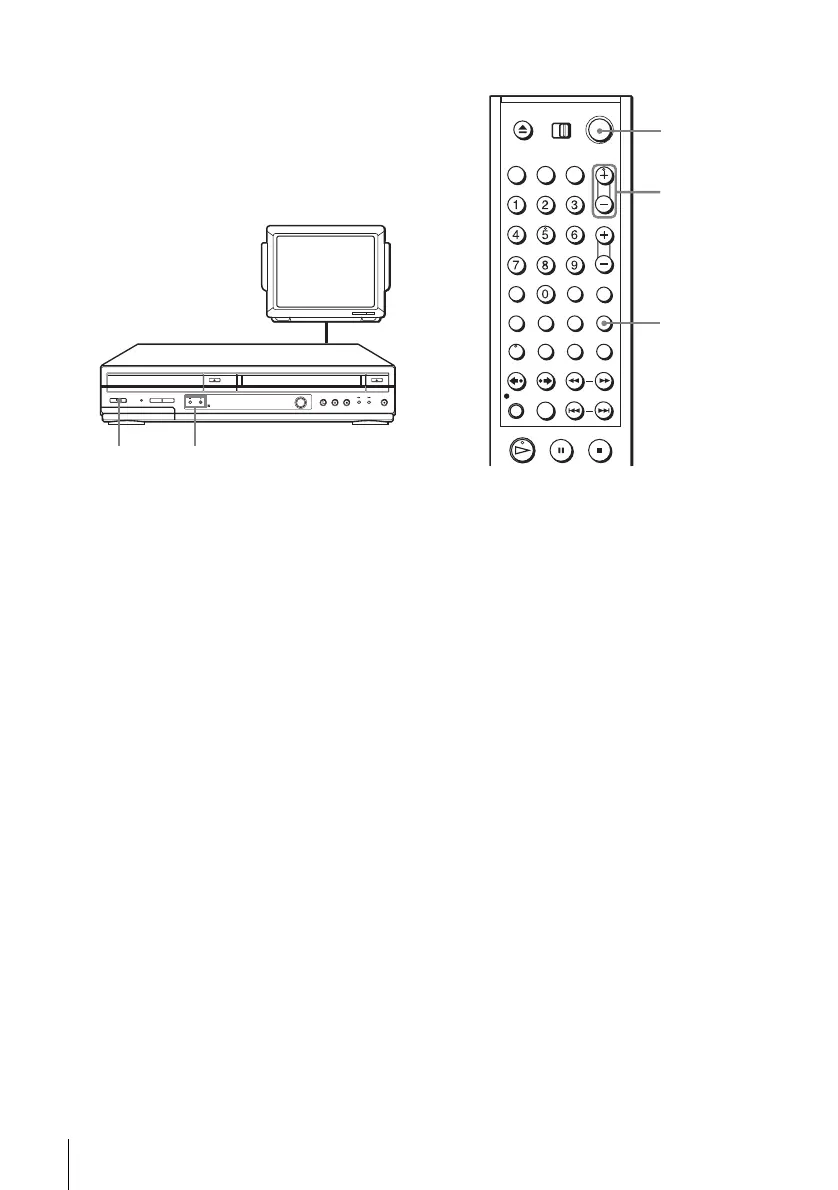
Press ?/1 to turn on the DVD-VCR.
3
Press TV/VIDEO to turn on “VIDEO” in the DVD-VCR’s display window.
4
Press CH +/– to display a channel number in the display window.
Select an active channel number in your area.
5
Turn on your TV and set it to the channel you selected in step 1 (3CH or 4CH).
The channel you selected in step 4 appears on the TV screen. If the channels
change when you press CH +/–, you have made the correct setting.
Whenever you use the DVD-VCR, set the TV to the channel selected in step 1.
TV
CHANNEL +/–?/1
TV/VIDEO
CH +/–
?/1















 To Next Page