79
Changing the angles
DVD Additional Operations
Changing the angles
Note
• Check the user’s manual of the purchased disc to determine whether it supports angle
operation. However, note that angle operation may not be possible for some discs.
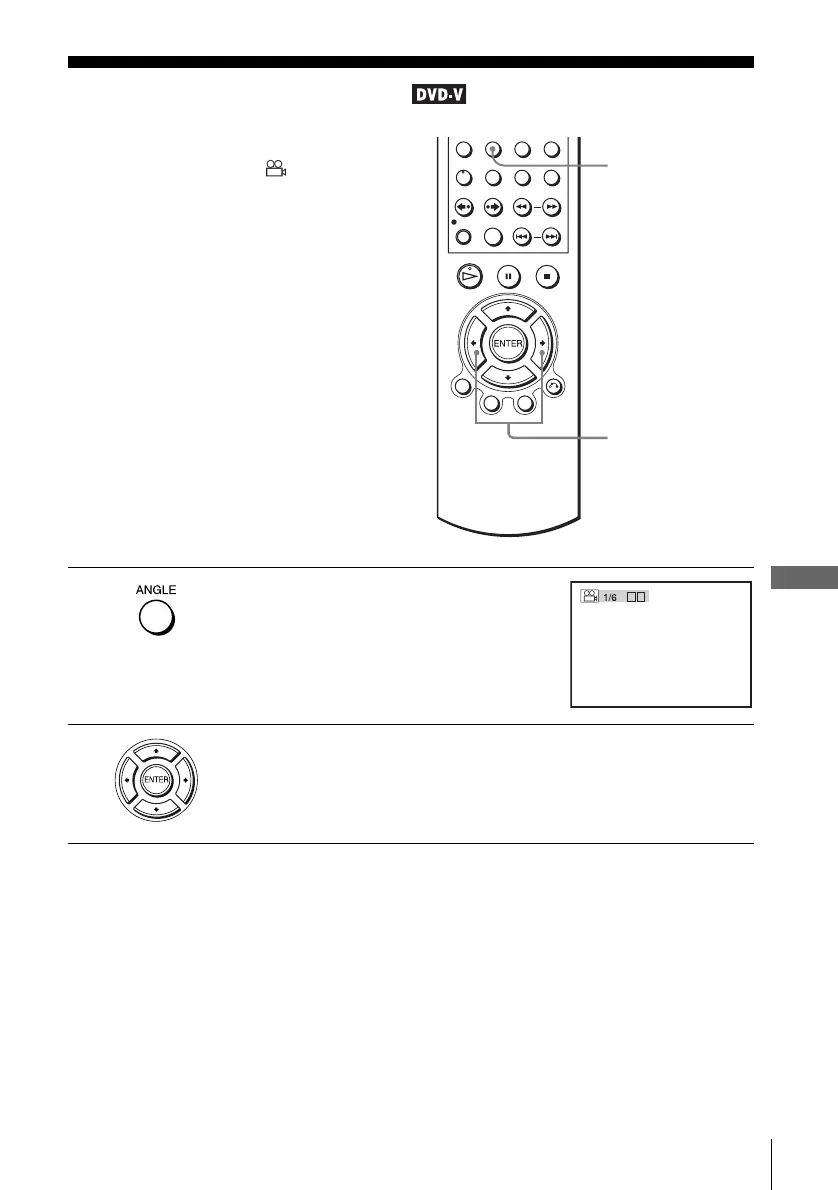
If various angles (multi-angles) for a scene
are recorded on the DVD, “ ” appears in
the display when you press ANGLE during
playback. This means that you can change
the viewing angle.
1
Press ANGLE during playback.
The angle number appears on the display.
The number after the slash indicates the total
number of angles.
2
Press B/b repeatedly to select the angle number.
The scene changes to the selected angle.
ANGLE
B/b
b
B















 To Next Page