41
Playing a tape
Basic Operations
Playing a tape
Before you start ...
• Turn on the DVD-VCR and your TV.
• Switch the input selector on your TV so
that the signal from the player appears on
the TV screen.
•Set TV
/ DVD·VIDEO to DVD·VIDEO,
then press SELECT VIDEO to control the
VCR (page 10).
1
Insert a tape.
The VCR starts playing automatically if
you insert a tape with its safety tab
removed.
Z
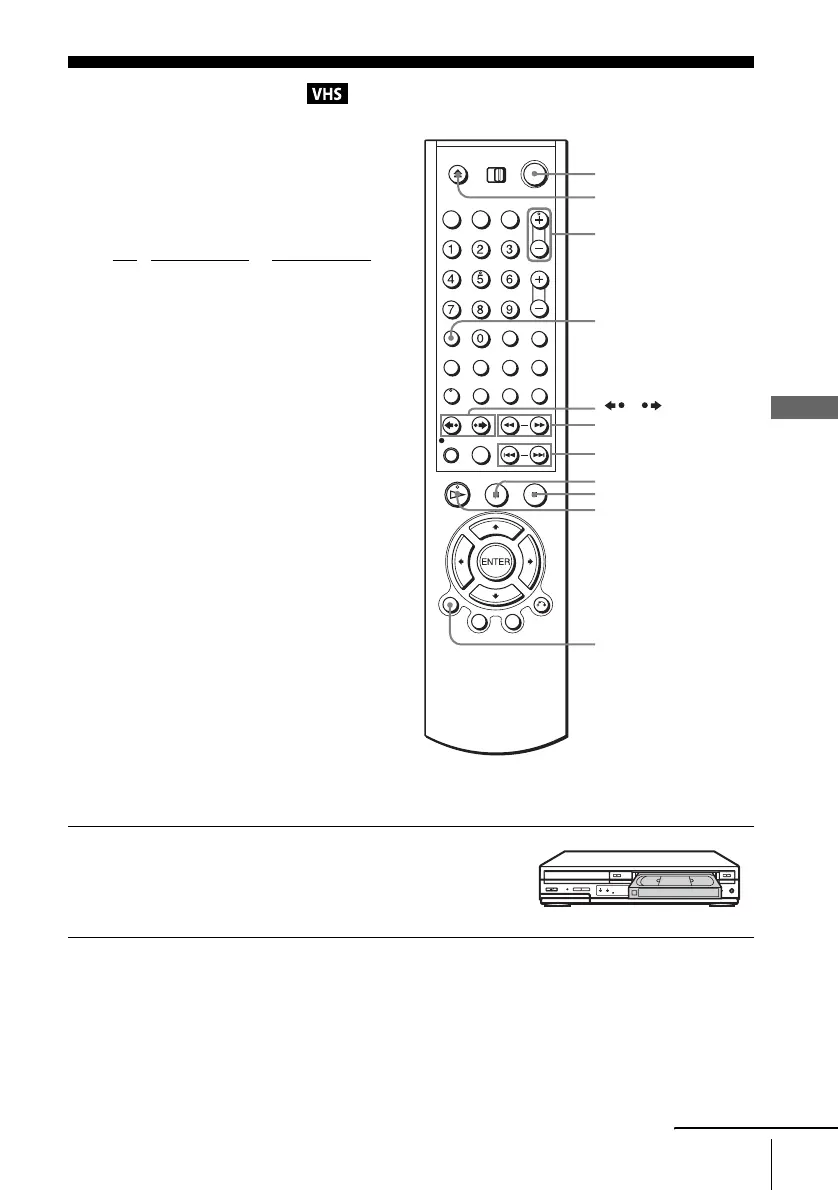
DISPLAY
H PLAY
X PAUSE
x STOP
/
?/1
TRACKING +/–
CLEAR
./>
m/M y
continued















 To Next Page