81
Various play mode functions (Program play, Shuffle play, Repeat play)
DVD Additional Operations
Various play mode functions (Program play,
Shuffle play, Repeat play)
You can set the following play modes:
• Program play (page 81)
• Shuffle play (page 83)
• Repeat play (page 84)
Note
• The play mode is canceled when:
– you open the disc tray
– the player enters standby mode by pressing [/1.
Creating your own program (Program play)
You can play the contents of a disc in the
order you want by arranging the order of the
tracks on the disc to create your own
program. You can program up to 20 tracks.
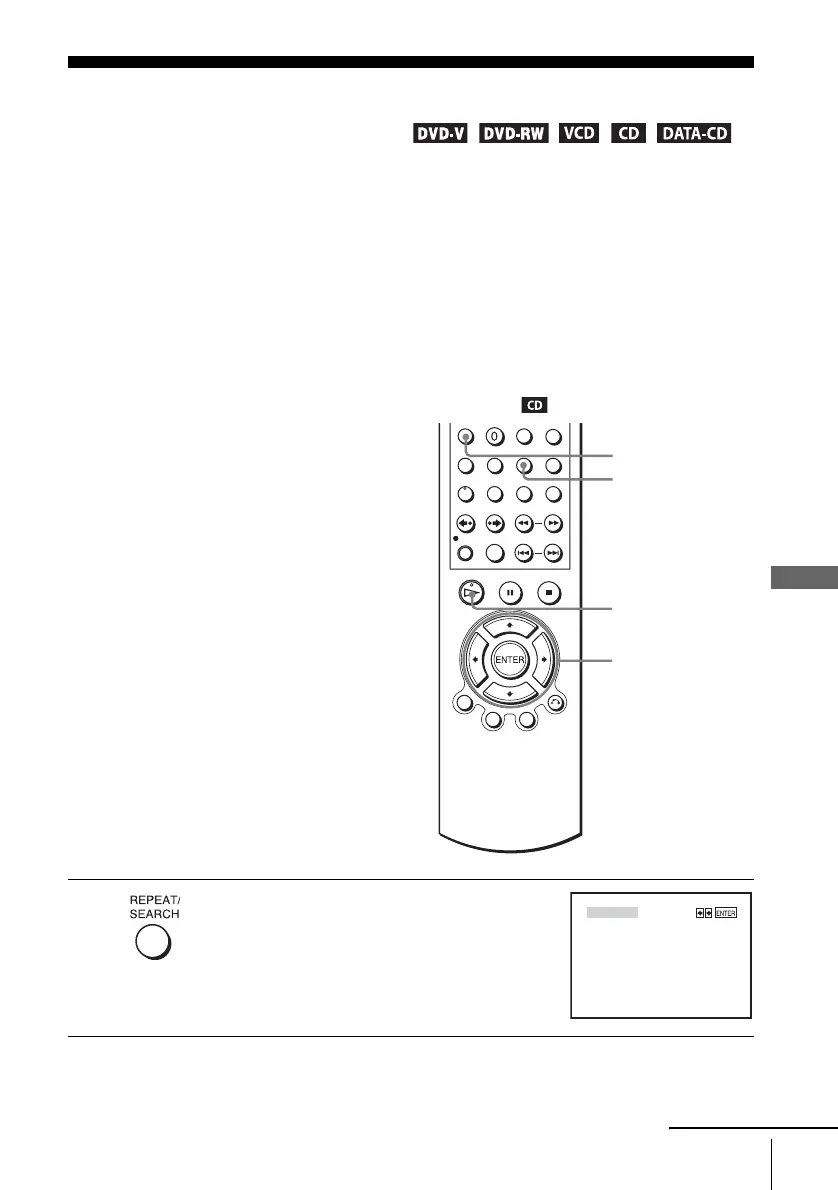
1
Press REPEAT when the DVD player is in stop
mode.
H PLAY
V/v/B/b
ENTER
CLEAR
REPEAT
PROGRAM
SHUFFLE
continued















 To Next Page