Getting Started
29
Presetting channels
Note
• If you have not preset channels automatically, you cannot preset/disable channels manually.
4
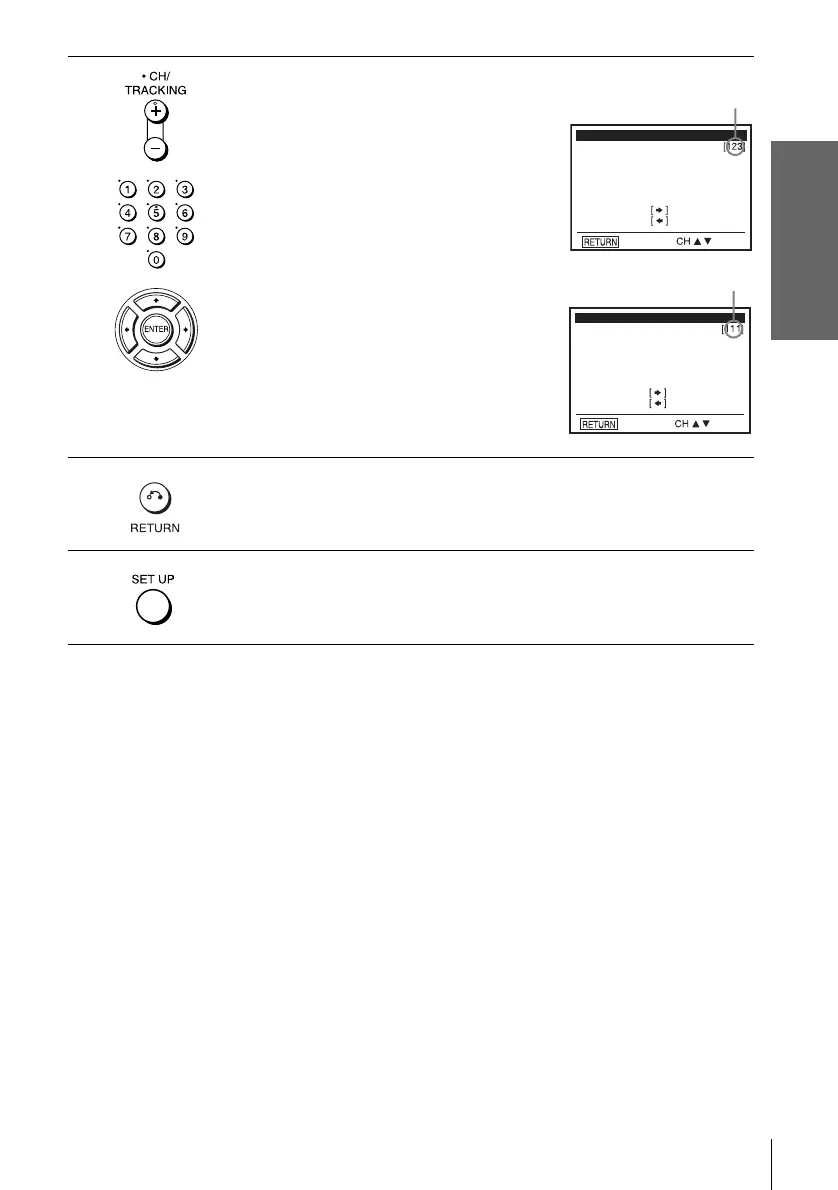
To preset/disable a channel:
1 Press CH +/– or number buttons to enter
the channel number.
2 Press B/b to select “ADD” (in memory)
or “DELETE” (deleted).
3 Press ENTER.
5
Press O RETURN to confirm the setting.
6
Press SET UP to exit the menu.
Select channel:
(in memory)
to ADD
to DELETE
CHANNEL ADD/DELETE
and press
press
Select channel:
(deleted)
to ADD
to DELETE
CHANNEL ADD/DELETE
and press
press
Channel to be preset
Channel to be disabled















 To Next Page