32
Setting up the VCR Plus+
®
system (SLV-D550P only)
3
Press V/v to select “Guide Channel Setup,”
then press ENTER.
4
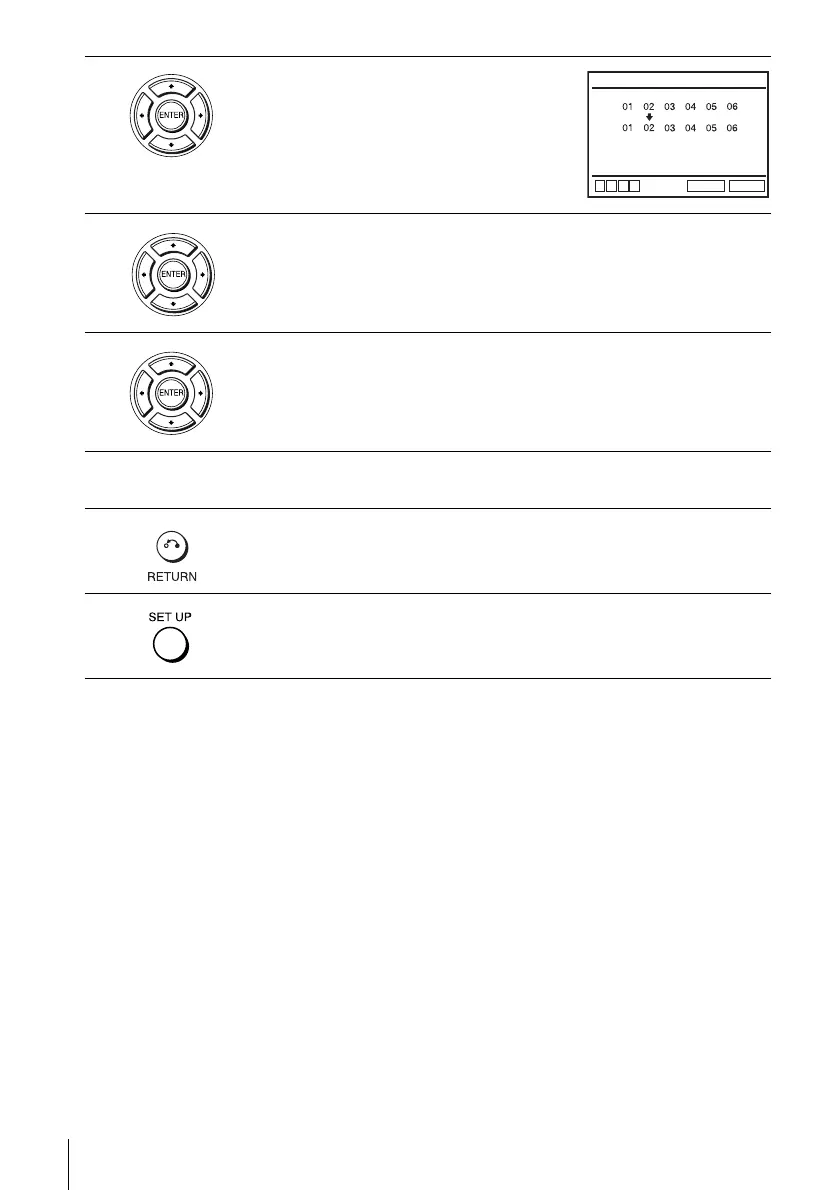
The upper row shows VCR Plus+ guide channels and the lower row shows
TV channels or cable box out put channels. Press B/b to select the channel
number that does not match the guide channel.
5
• If you made Hookup 1 (page 15) or 2 (page 17): Enter the actual number
on your TV (and VCR), then press V/v.
• If you made Hookup 3 (page 19): Enter the cable box output channel
(usually 2, 3, or 4), then press V/v.
6
Repeat steps 4 and 5 for each channel number that does not match.
7
Press O RETURN to confirm the setting.
8
Press SET UP to exit the menu.
RETURN
GUIDE CHANNEL SETUP
SET UP
v
V
b
B
[TV CH]
[GUIDE CH]
Enter actual
receiving channel















 To Next Page