12
US
• The Control Menu icon indicator lights up in green when you select any item except [OFF]
([PROGRAM], [SHUFFLE], [REPEAT] only). The [ORIGINAL/PLAY LIST] indicator lights up in green when
you select [PLAY LIST] (default setting). The [MULTI/2CH] indicator lights up in green when you select the
multi-channel playback area on a Super Audio CD.
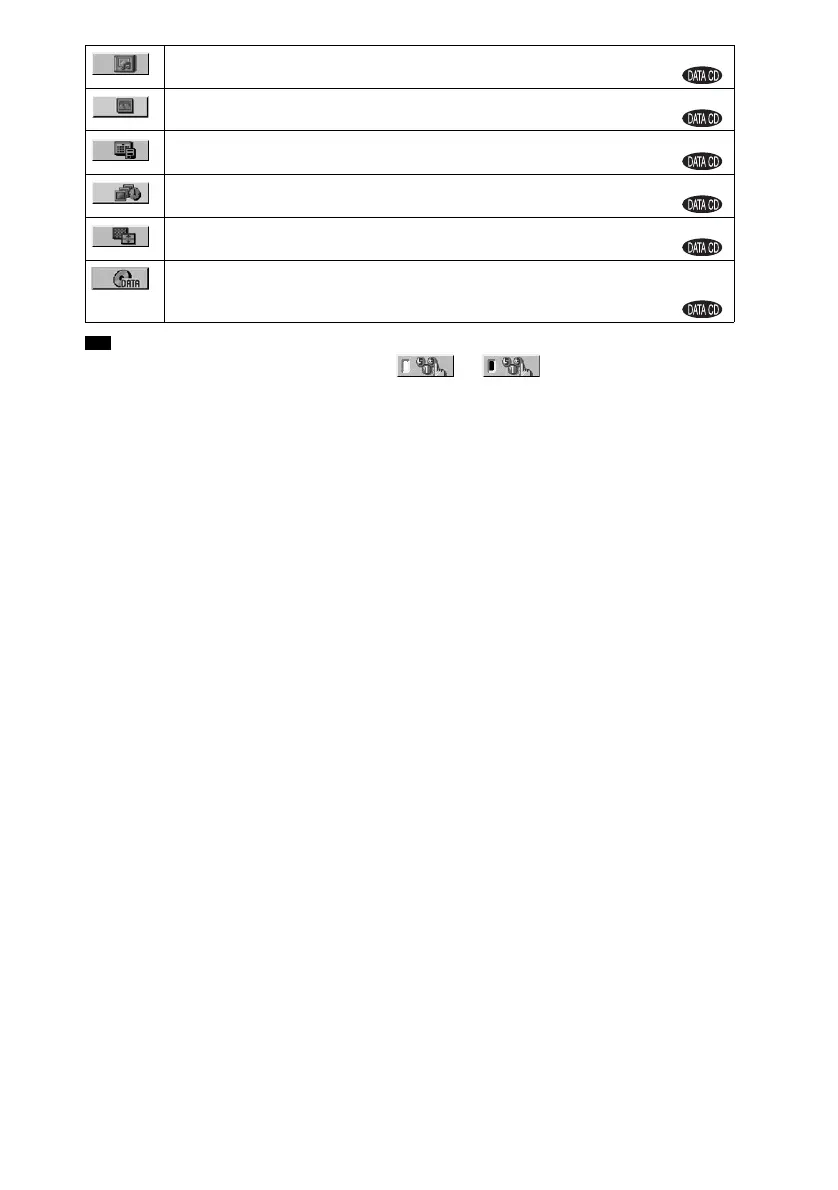
[ALBUM] (page 52)
Selects the album to be played.
[FILE] (page 52)
Selects the JPEG image file to be played.
[DATE] (page 57)
Displays the date the picture was taken by a digital camera.
[INTERVAL] (page 49)
Specifies the duration for which the slides are displayed on the screen.
[EFFECT] (page 50)
Selects the effects to be used for changing slides during a slide show.
[MODE (MP3, JPEG)] (page 48)
Selects the data type; MP3 audio track (AUDIO), JPEG image file (IMAGE) or both
(AUTO) to be played when playing a DATA CD
Tip
t



 To Next Page