Playing Discs
55
US
Viewing the Playing Time and
Remaining Time in the Front
Panel Display
You can check disc information, such as the
remaining time, total number of titles in a DVD,
tracks in a VIDEO CD, Super Audio CD, CD, or
MP3, using the front panel display (page 96).
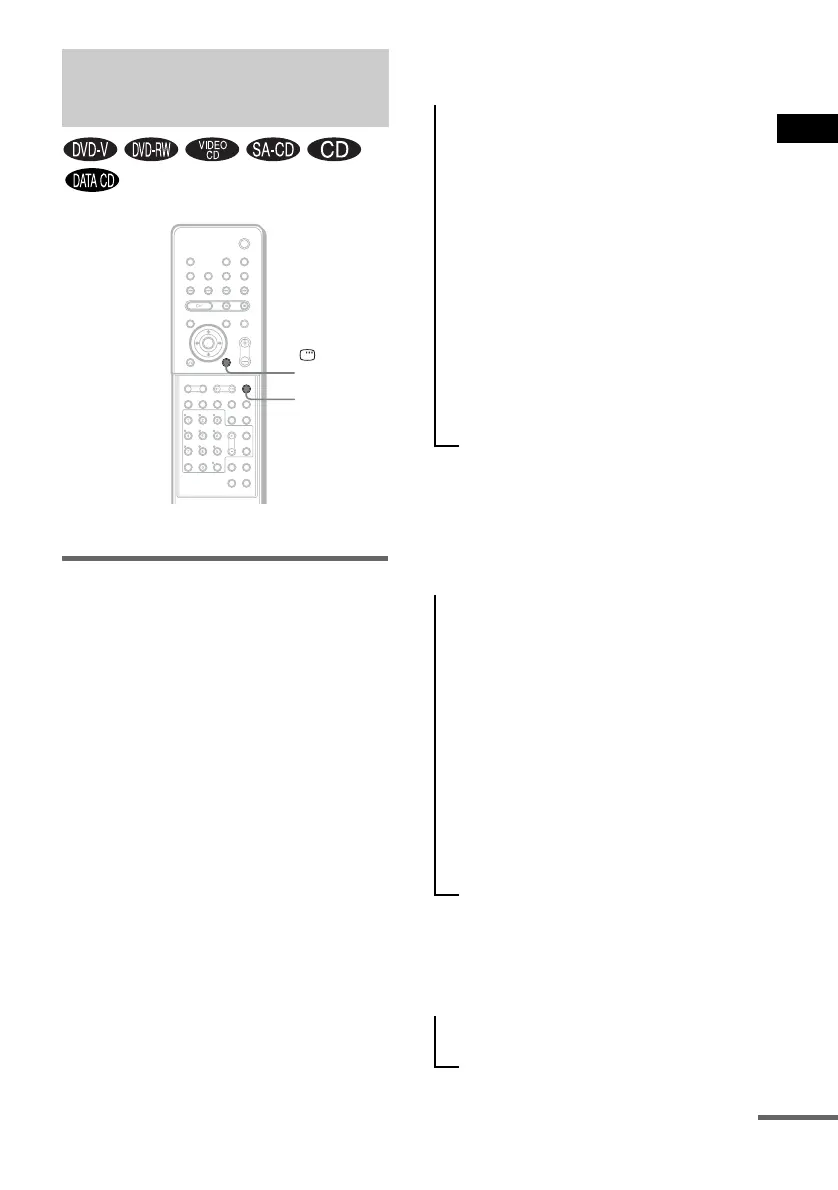
Press DISPLAY.
Each time you press DISPLAY while playing
the disc, the display changes as shown in the
charts.
When playing a DVD VIDEO or
DVD-RW
When playing a VIDEO CD
(without PBC functions), Super
Audio CD, or CD
When playing an MP3
Viewing Information About
the Disc
DISPLAY
DISPLAY
With cover opened.
t Playing time and number of the current
title
r
Remaining time of the current title
r
Playing time and number of the current
chapter
r
Remaining time of the current chapter
r
Disc name
r
Title and chapter
r
The display returns to the top image after
2 seconds.
t Playing time of the current track
r
Remaining time of the current track
r
Playing time of the disc
r
Remaining time of the disc
r
Disc name
r
Track and index*
r
The display returns to the top image after
2 seconds.
* Except for CD.
t Playing time and current track number
r
Track (file) name
continued



 To Next Page