Getting Started
29
US
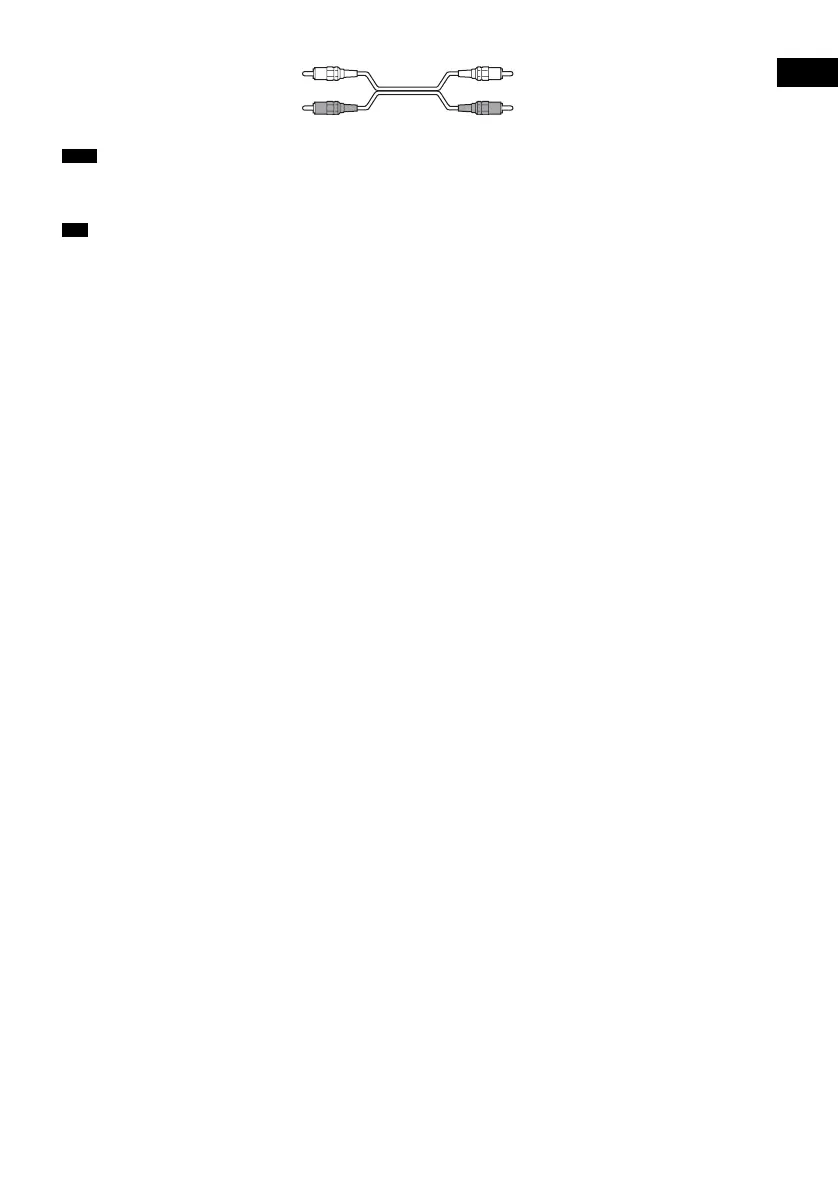
• Be sure to make connections securely to avoid hum and noise.
• If your TV does not have AUDIO OUT jacks, you cannot output the TV sound from the speakers of this system.
• To listen to the TV sound, select the function by pressing FUNCTION. For details, see page 62.
• When you want to output the TV sound or stereo sound of a 2 channel source from the 6 speakers, select the “Dolby
Pro Logic,” “Dolby Pro Logic II MOVIE,” or “Dolby Pro Logic II MUSIC” sound field (page 60).
Note
Tip
White (L/audio)
Red (R/audio)



 To Next Page