19-GB
Preparation
When the registration has failed
Carry out the procedure described in “When using the Modem Adaptor with Bluetooth
Function ” on page 15 again from step 4.
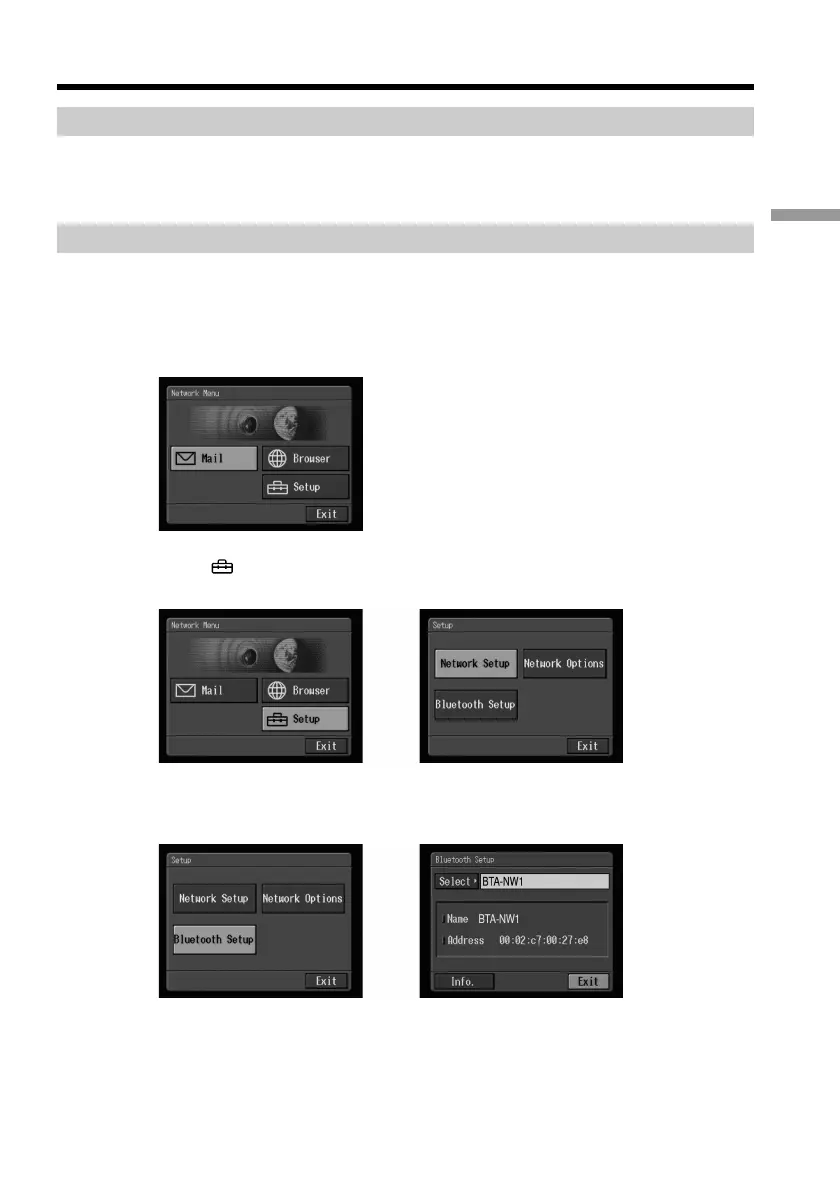
Displaying information on your camcorder
You can display your camcorder information.
(1) Open the Network Menu.
For details on how to open the Network Menu, refer to “Accessing the
network” in the operating instructions supplied with your camcorder.
(2) Select [
Setup], then press the centre z on the control button.
The Setup screen appears.
,
(3) Select [Bluetooth Setup], then press the centre z on the control button.
The Bluetooth Setup screen appears.
,
Registering a Bluetooth device











 To Next Page