7-GB
Introduction
How to use the control button
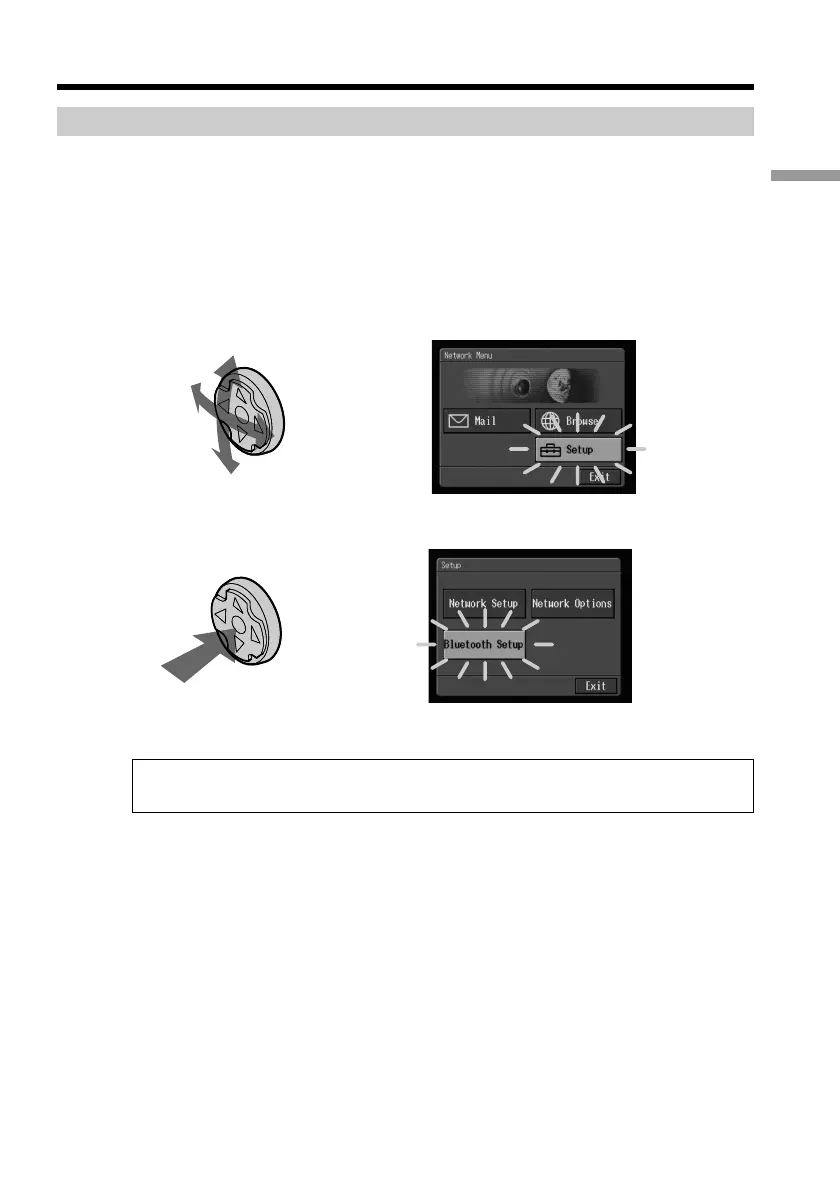
Most of the network operations are carried out by the control button. Select a button on
the screen using the control button, then enter it by pressing the control button.
Note
The shape of the control button differs depending on your camcorder model.
(1) Press v/V/b/B on the control button repeatedly to select the desired button
displayed on the screen.
The selected button turns orange.
,
(2) Press the centre z on the control button to enter the setting.
,
Repeat steps 1 and 2 to execute the function.
The procedure above is described as “Select [XXXX], then press the centre z on the
control button” in this network function operating instructions.
Basic operations in the NETWORK mode











 To Next Page