29-GB
Network Operation
— Network Operation—
Using e-mail
This section describes the basic usage of e-mail. E-mail is sent and received via the
Internet. E-mail is very convenient; you can send e-mail anytime, and you can also send
images stored in a “Memory Stick” by attaching them to e-mail.
Sending e-mail
By entering the e-mail address of the destination, you can send an e-mail message in a
moment.
1 Specifying the destination address
Be careful to enter the address correctly.
Tip
You can select the e-mail address from the address book. For details, see “Selecting the
destination address from the address book” on page 45.
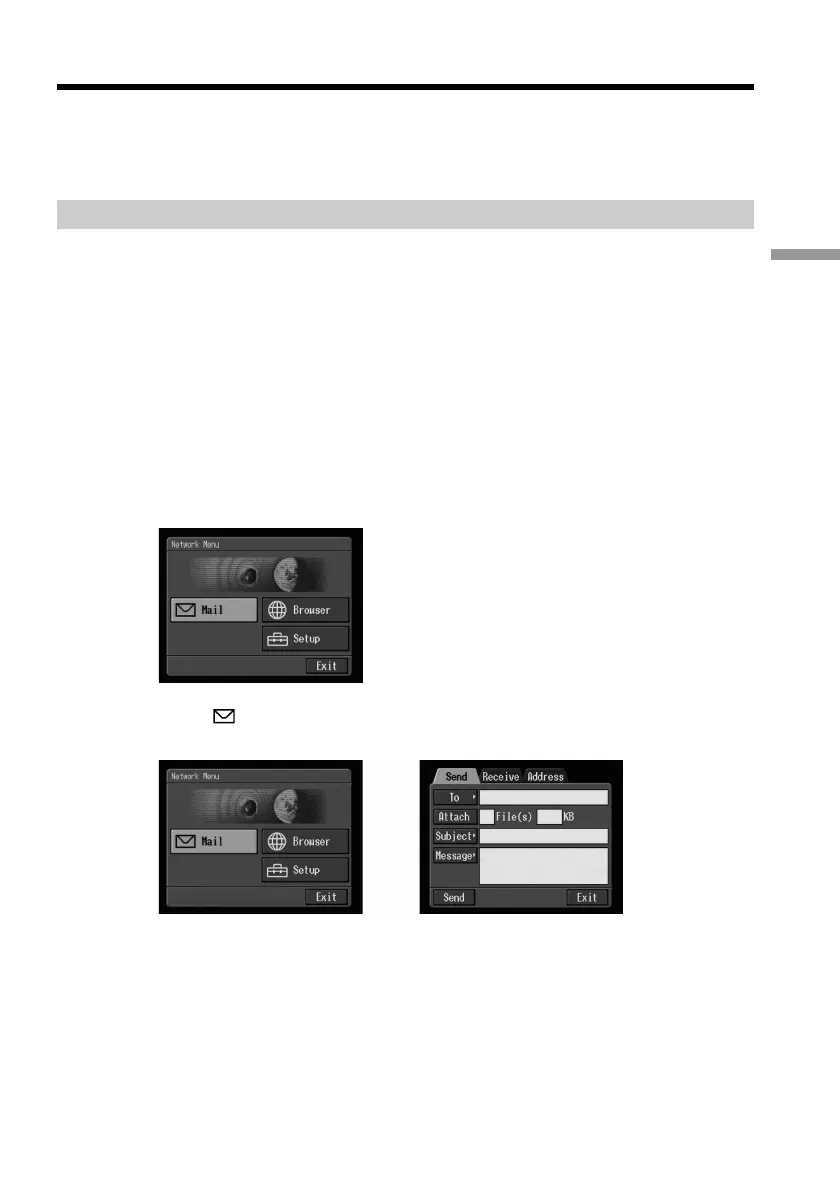
(1) Open the Network Menu.
For details on how to open the Network Menu, refer to “Accessing the
network” in the operating instructions supplied with your camcorder.
(2) Select [
Mail], then press the centre z on the control button.
The Send screen appears.
,











 To Next Page