43-GB
Network Operation
Using e-mail
(11)Select [Exit], then press the centre z on the control button.
The Network Menu appears again.
Tips
•The addresses are listed in alphabetical order.
•When you reply to the address of a previously received e-mail message, the address
will be automatically registered on the address book. To edit the address, see “Editing
the address book” below.
Editing the address book
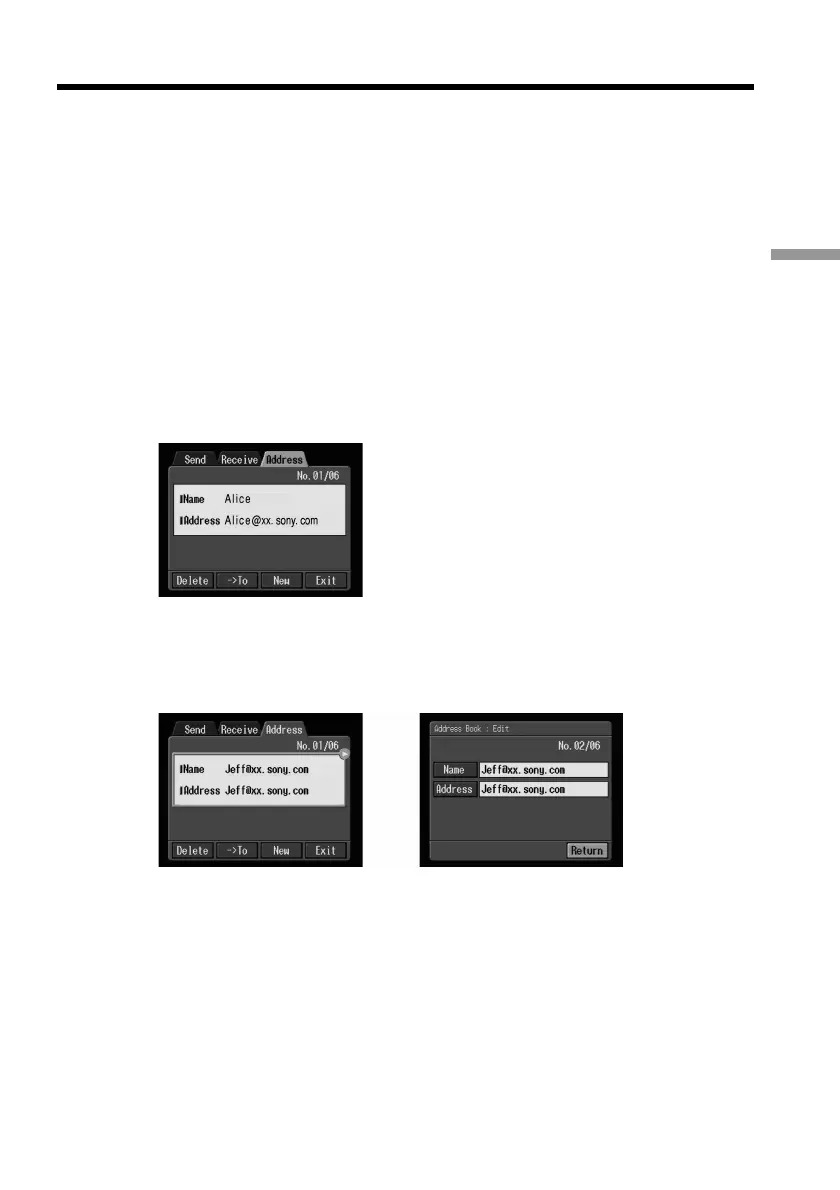
You can edit the names or e-mail addresses in the address book.
(1) Follow steps 1 and 2 in “Registering destination addresses in the address
book” on page 40.
The Address screen appears.
(2) Select the area where the name and address are indicated, then select the
address you want to edit using the control button b/B, then press the centre
z on the control button.
The Address Book: Edit screen appears.
,











 To Next Page