8-GB
How to input characters
You have to frequently enter characters, such as e-mail addresses, or Web page
addresses (URL), to use the network function. This section describes how to input
characters.
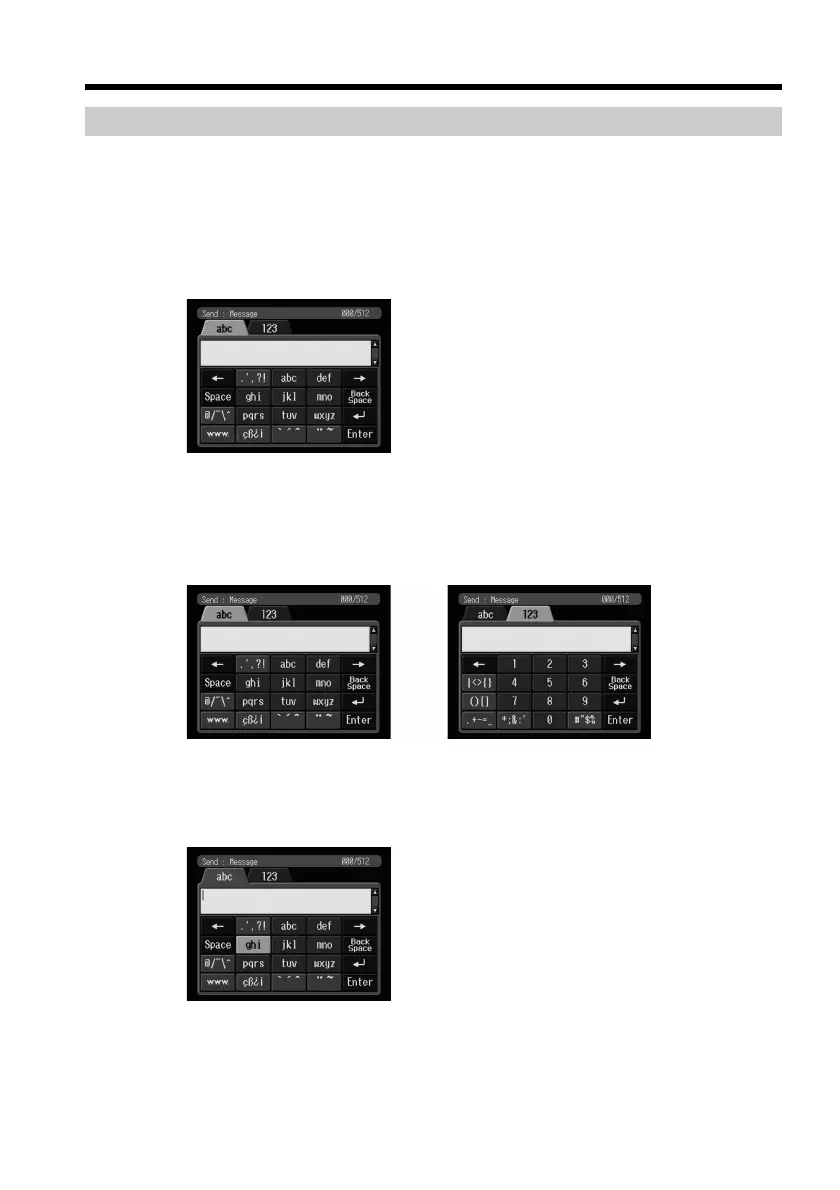
1 Selecting the character type
(1) Display the character input screen.
(2) Select either of the character type tabs.
abc: When inputting alphabetical characters.
123: When inputting numerical characters.
When you have selected abc When you have selected 123
2 Inputting characters
(1) Select the key which has the character you want to input.
Basic operations in the NETWORK mode











 To Next Page